Countdown Timers for Facebook: Boost Engagement Fast
Discover countdown timers for facebook and learn how to create urgency, boost clicks, and drive engagement with proven timer strategies.
If you want to cut through the noise on Facebook and get people to act now, countdown timers are one of the most powerful tools in your arsenal. They’re a simple, visual way to stop the scroll and create a genuine sense of urgency for things like flash sales, product drops, or webinar sign-ups.
Instead of just telling your audience an opportunity is ending soon, you're showing them. And that makes all the difference.
Why Countdown Timers Are a Facebook Game Changer
Let's be real: the Facebook newsfeed is a crowded place. Static images and plain text posts just don't have the stopping power they used to. This is where a dynamic countdown timer completely changes the game. It turns a simple announcement into an unmissable event.
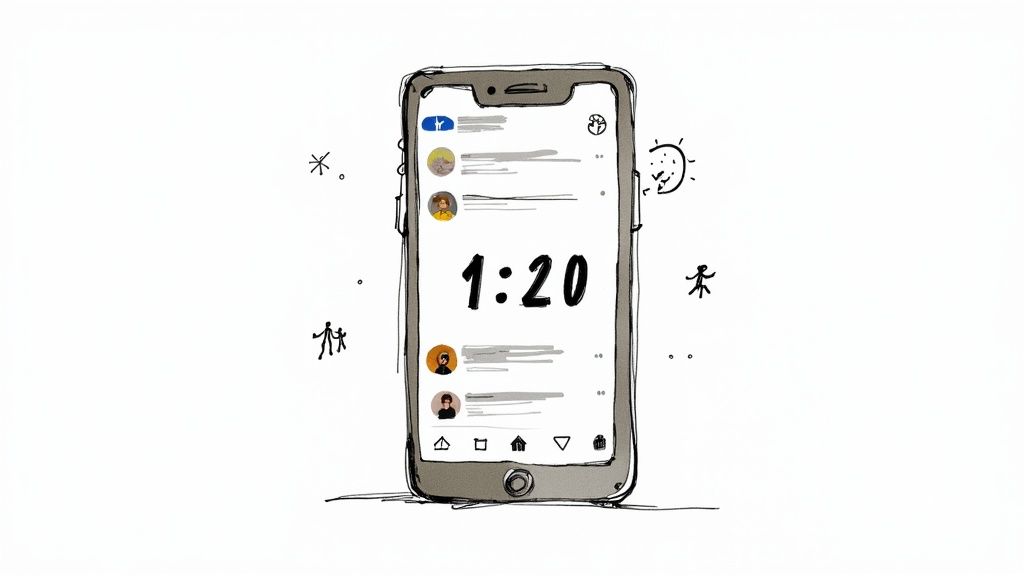
This visual urgency taps directly into a few key psychological triggers that get people to take action. I've seen it work time and time again. It boils down to:
- Fear of Missing Out (FOMO): Nobody wants to be left out. When people see that clock ticking down, they're much more likely to click, buy, or register before the chance is gone for good.
- Anticipation and Hype: A live timer builds excitement in a way that static text just can't. It gives your audience a focal point, making your launch or sale feel like a bigger, more significant event.
- Increased Perceived Value: Limited-time offers instantly feel more valuable. A countdown timer is the perfect way to reinforce that scarcity, pushing potential customers to make a decision faster.
The Proof Is in the Numbers
This isn't just theory; it has a real, measurable impact. With over 200 million business pages on Facebook, everyone is looking for an edge. Interactive content is that edge.
In fact, businesses that use countdown timers have reported conversion lifts as high as 19%. This lines up perfectly with broader trends showing that interactive posts see 19% higher engagement compared to static ones.
Let's quickly break down the core advantages.
Key Benefits of Using Facebook Countdown Timers
Here's a quick look at why incorporating countdown timers can be so effective for your Facebook strategy.
| Benefit | Impact on Your Marketing | | :--- | :--- | | Creates Urgency | Motivates immediate action by highlighting a looming deadline. | | Boosts Engagement | The dynamic nature of timers encourages more likes, comments, and shares. | | Increases Visibility | Higher engagement signals to the Facebook algorithm that your content is valuable, leading to better organic reach. | | Builds Anticipation | Gets your audience excited and talking about your upcoming event or offer. | | Drives Conversions | The combination of urgency and hype directly translates into more sales, sign-ups, and leads. |
Ultimately, a timer helps you convert passive scrollers into active participants.
By visually representing a deadline, you shift the user's mindset from passive consumption to active participation. A timer isn't just a notification; it's a call to action that gets stronger with every passing minute.
The goal is to make your audience feel like they're part of a live event, even if it's just a 24-hour flash sale. Countdown timers are a key tool for achieving this, helping to drive meaningful conversions. For a deeper dive, check out our guide on how a countdown timer can drive organic reach on Facebook.
Setting Up Your First Countdown Timer
Jumping into a new tool can sometimes feel a bit much, but trust me, getting your first countdown timer for Facebook up and running is a breeze. The very first thing we'll do is connect the app to your Facebook Business Page.
This step is super important—it’s what allows the app to post your timer and, more critically, keep it automatically updated for you.
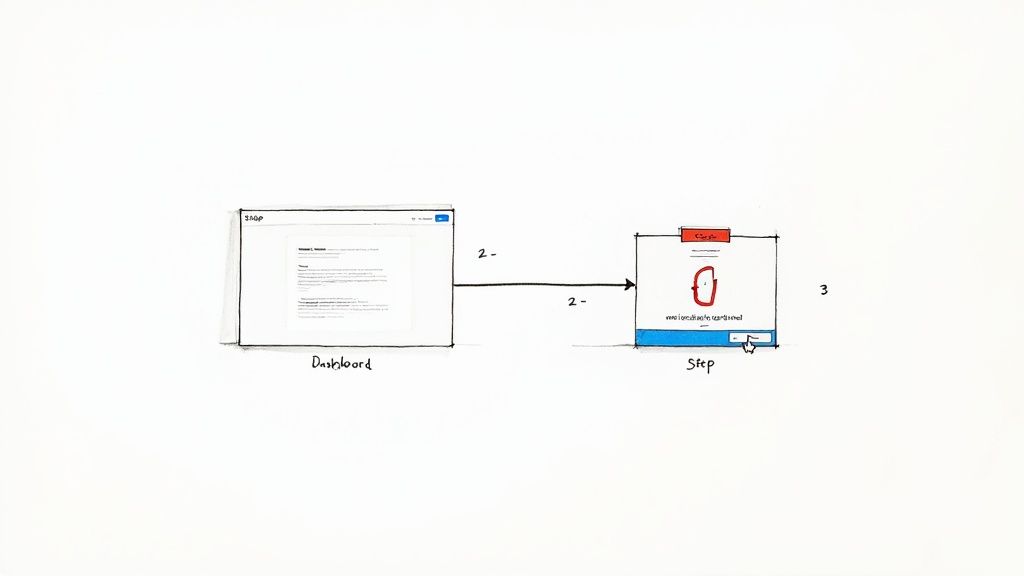
Once you've signed up for the Countdown Timer App, you’ll land on the main dashboard. Think of this as your command center. Your eyes will probably be drawn to the big "Connect Facebook Page" button. That's exactly where you need to click.
Clicking it kicks off a secure authorization process directly with Facebook. A pop-up will appear asking for permission to manage your pages. You'll need to grant these permissions; otherwise, the app can't do its magic of publishing and updating the countdown on your behalf. It’s a standard process that makes the whole "set-it-and-forget-it" workflow possible later on.
Navigating the Initial Connection
After you authorize the connection, Facebook will ask you to pick which Business Page you want to link. If you're like me and manage a bunch of pages, just make sure you select the right one for your campaign. This tells the app exactly where your timer needs to go.
So, what permissions are you actually granting? It boils down to two key things:
- Publishing Content: This lets the app post the countdown timer image to your page.
- Managing Pages: This is necessary for the app to access your page and handle all the automatic updates.
As soon as you’re connected, you'll be whisked right back to the app’s editor, ready to get creative. The good news? This is a one-time setup for each page. From here on out, you can focus on the fun part: designing timers that grab people's attention.
Think of this initial setup like pairing a Bluetooth speaker. You do it once to establish a trusted link, and after that, the two work together seamlessly without you having to re-authorize it every single time.
This whole process is designed to be quick and painless, getting you from sign-up to designing in just a few minutes.
If you'd like an even more detailed walkthrough, we have a complete tutorial on how to post a countdown on Facebook that covers every single click. With the techy part out of the way, you're all set to build a timer that actually drives results.
Designing a Timer That Converts
Okay, you've got the technical stuff sorted. Now for the fun part—making your timer actually look good and get people to click.
Anyone can slap a generic clock on their Facebook post. But a thoughtfully designed countdown timer? That feels like a seamless part of your brand, making your whole campaign look more professional and trustworthy. This is where you go from just showing a date to creating a design that actually drives results.
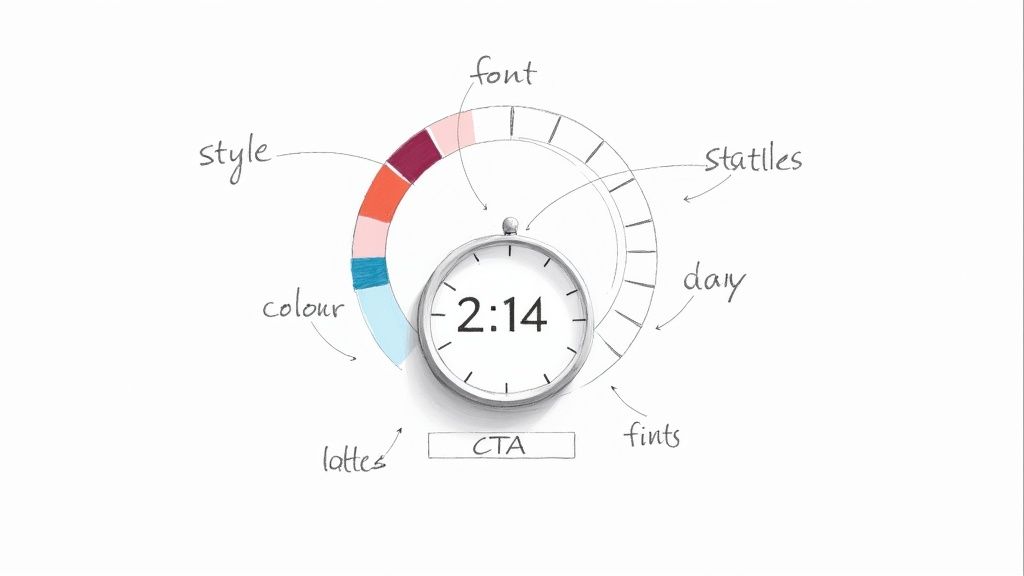
The goal is to create something that doesn't just look pretty, but feels like it belongs to your brand. When the visuals are consistent, people trust you more. Your timer is a surprisingly important piece of that puzzle.
Aligning the Timer with Your Brand
Think of your brand's colors as its signature. You need to start there. If your logo is blue and white, a clashing red and yellow timer will just look cheap and out of place. Use your primary and secondary brand colors for the timer's background and numbers to keep everything looking cohesive.
Also, consider the vibe you're going for. Is this a high-energy flash sale or a serious professional webinar? The design elements you pick should reflect that mood.
- For a flash sale: Go for bold colors, maybe a dynamic font, and a vibrant, eye-catching background. You're trying to create excitement.
- For a webinar: A cleaner, more professional look is better. Stick to your standard brand fonts and a more minimalist color scheme to project authority.
Getting the design right isn't just about looking good; it plays a huge role in optimizing conversion rates. A timer that aligns with your brand and the tone of your offer makes your call-to-action that much more compelling, encouraging more people to actually click.
Crafting Compelling Text and CTAs
The text on and around your timer is just as crucial as the design. Your message needs to be crystal clear and instantly tell people what's happening and why they should care.
Your timer is the visual hook, but the text provides the context and the reason to care. Without a clear message, the countdown is just a ticking clock with no purpose.
Use concise, action-oriented language. Don't just say "Sale Ends." Try something like, "Last Chance for 50% Off!" It specifies the benefit and cranks up the urgency. Your Facebook post copy should then back this up with a strong call-to-action (CTA), like "Shop Now Before It's Gone!" or "Register for Your Free Spot!"
If you're looking for more inspiration on what works, our detailed guide on how to build a customizable countdown clock that converts is packed with ideas. It’s all about making every single element work together to get that click.
Publishing Your Timer on Facebook
You've designed the perfect timer, and it looks amazing. But let's be real—a stunning countdown is useless if it just sits in the editor. Now comes the fun part: getting it live on your Facebook page where it can start grabbing attention.
The Countdown Timer App makes this incredibly simple. When you're ready, you'll hit "Publish" inside the editor, and the app will generate a unique, shareable link for your timer. This isn't just any old link, though. It’s a special URL designed to show your timer as a dynamic, auto-updating image right inside your Facebook post.
This is the secret sauce that creates genuine urgency. Your audience sees a clock ticking down in near real-time, right there in their newsfeed, without having to click anything.
Crafting the Perfect Facebook Post
Got your shareable link copied? Awesome. Head over to your Facebook page and start a new post.
Just paste the link into the text box. Facebook will do its thing and automatically generate a preview of your timer image. The real magic kicks in once you publish—our servers will keep refreshing this image based on the update interval you chose during setup, keeping the countdown alive.
Of course, the timer itself is only half the battle. Your post copy needs to give it context and a clear call to action.
- Explain the "Why": What’s the countdown for? A flash sale? A webinar? A product launch? Don't make them guess.
- Build the Hype: Use energetic language that gets people excited. Think "The wait is almost over!" or "Get ready for our biggest sale EVER!"
- Give Them a CTA: Tell people exactly what to do next. "Click the link in our bio to shop!" or "Drop a comment to get a reminder!" works great.
A timer creates urgency, but your post copy directs it. Without a clear next step, you're building hype with nowhere for your audience to go.
The competition for attention on Facebook is fierce. With users generating around 3.63 billion posts daily, your content has to be compelling to cut through the noise. Dynamic elements like countdowns capitalize on immediacy, which is a proven way to drive action. You can find more insights on current Facebook trends over at SendShort.ai.
Finally, toss in some relevant hashtags to expand your reach beyond your current followers. A well-crafted post transforms your timer from a simple image into a powerful conversion tool.
Take Your Countdown From Good to Great
Alright, you've got your timer built and ready to go. Now, let's talk about how to move beyond just posting it and actually make some waves. It's not just about having a clock ticking down; it's about being smart with when you post, the story you tell, and even how you put your ad money to work.
First thing's first: timing is everything. Don't just throw your countdown up whenever you happen to finish it. You need to launch it when your audience is actually online and scrolling. For most of us, that sweet spot is weekday mornings and afternoons. That's when people are taking a coffee break or winding down, and engagement is at its peak.
This is especially true when you look at who's on the platform. By 2025, millennials between 25–44 will represent over half of Facebook's entire audience. This group is incredibly receptive to time-sensitive offers, especially when they see them during those prime hours. If you want to dive deeper into the numbers, Buffer has some great insights on Facebook demographic trends.
Don't Just Post a Timer, Tell a Story
A single post is fine, but it’s a one-and-done deal. To really build momentum, you need to create a narrative around your countdown. Think of it as a mini-series leading up to your grand finale.
Here’s a simple but effective posting schedule I’ve used for launches:
- 7 Days Out: This is your big announcement. Post the timer and let everyone know what's coming.
- 3 Days Out: Time to build some intrigue. Share a sneak peek, a behind-the-scenes photo, or a testimonial. Keep the excitement building.
- 24 Hours Left: This is the final push. Post a last-chance reminder with a super clear call to action to create that last bit of urgency.
This simple rhythm transforms your timer from a static notification into an event people actually want to follow. You're not just counting down; you're keeping your audience hooked.
A great countdown timer doesn’t just tell time; it tells a story. Each update post is a new chapter that builds anticipation and makes your final offer impossible to ignore.
Want to take it even further? For things like product launches or event pre-registrations, you can pair your countdown with a waitlist system. This is a pro move for organizing early access and building an email list at the same time. A tool like the mywaitlist.org platform can handle all the logistics for you.
And one final tip: once your timer is live and getting some good organic traction, don't be afraid to put a little ad spend behind it. Just go into your Facebook Ads Manager, select "Use Existing Post," and you can turn your high-performing countdown into a targeted ad. It’s a super-efficient way to reach a wider, more specific audience.
Your Top Countdown Timer Questions, Answered
Even with a tool this simple, you're bound to have a few questions. That's totally normal. Let's walk through some of the most common things people ask about using countdown timers for Facebook so you can get started without a hitch.
Can I Use These Countdown Timers in Facebook Ads?
This is a great question, and the answer is a strategic "yes." While you can't embed the live, auto-updating timer directly into a brand-new ad creative from scratch, you can absolutely promote a page post that already has the timer running.
It’s a simple two-step process. First, create and publish the countdown timer post on your Facebook Page. Once it's live, you can either hit the "Boost Post" button or head into Ads Manager and choose "Use Existing Post" to turn it into an ad. This approach is powerful because it combines the dynamic urgency of the timer with the precise targeting of Facebook Ads.
Will the Countdown Timer Really Update Automatically in My Post?
Yes, it will! And honestly, this is the magic that makes this whole thing work. The image in your post automatically refreshes at whatever interval you've chosen.
So, when someone scrolls through their feed, they aren't seeing a static image you posted hours ago. They're seeing an accurate, up-to-the-minute reflection of the time left. This creates a genuine sense of real-time urgency without you having to lift a finger.
The secret is in the automation. We refresh the timer image on our end, which means your Facebook post is always showing the most current time. It keeps that "fear of missing out" feeling alive and kicking, 24/7.
What Happens When the Countdown Timer Reaches Zero?
The party doesn't have to stop just because the clock does! You're in complete control of what your audience sees after the countdown is over.
Most timer apps, including ours, let you decide what happens when the clock hits zero. You can have it:
- Display a final message like "The Sale is Over!"
- Show a new call-to-action, maybe something like "The Event is Live!"
- Redirect to a different URL entirely, like your homepage or a "sorry you missed it" page.
This little feature is crucial for keeping your post relevant and preventing any confusion. It ensures your page always looks professional, even after a promotion has ended.
Ready to create a countdown that gets people clicking? With Countdown Timer App, you can design and publish a professional, auto-updating timer in just a few minutes. Start creating your free countdown timer today!