
Customize Countdown Clocks for Maximum Impact and Conversions
Learn how to customize countdown clocks to create urgency and drive conversions. Our guide offers practical strategies for design, timing, and deployment.
To really get the most out of countdown clocks, you have to look past the generic, out-of-the-box templates. The magic happens when you align the timer's design with your brand's unique identity. It’s all about tailoring the colors, fonts, and backgrounds to create a sense of urgency that feels authentic to your audience, not just something you slapped on your page.
The goal is to weave the timer into your marketing message so it feels like a natural—and compelling—part of the story.
Why Generic Countdown Clocks No Longer Work
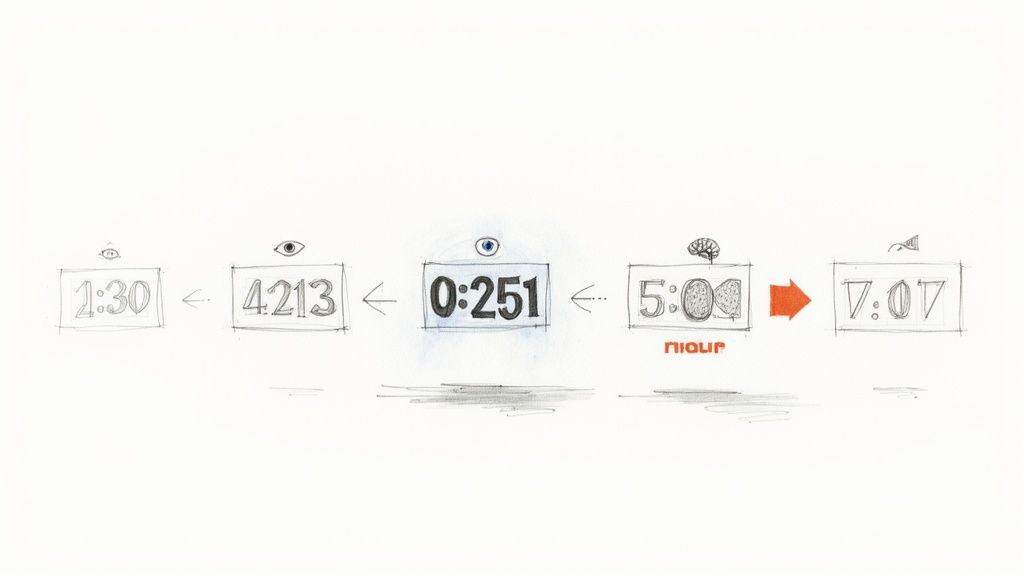
Let's be real: we're all swimming in a sea of digital ads. Over time, we've developed what experts call "banner blindness"—a subconscious habit of ignoring anything that looks like a generic advertisement. A standard, cookie-cutter countdown timer often falls right into that trap. It gets overlooked simply because it doesn't look like it belongs.
When a clock’s design clashes with your brand’s aesthetic, it can feel cheap, out of place, or even a little untrustworthy.
This is exactly where customization turns into a powerful conversion tool. By matching your brand’s specific color palette, typography, and imagery, you transform a simple timer into a core piece of your campaign. It stops feeling like an intrusive third-party widget and starts looking like a seamless, professional extension of your offer.
Building Trust Through Brand Cohesion
A cohesive brand experience is everything when it comes to credibility. When every visual element—from your logo right down to your countdown clock—shares the same design language, it reinforces your brand’s identity and signals professionalism. A custom timer shows you care about the details, which tells customers your offer is well-planned and legit.
This attention to detail has a direct psychological impact, too. It makes core principles like the Fear of Missing Out (FOMO) far more effective. A generic timer might create a flicker of urgency, but a beautifully integrated one feels like a genuine, can't-miss opportunity from a brand they already recognize and trust.
Today’s consumers are savvy; they can spot inauthentic marketing tactics from a mile away. A timer that seamlessly blends with your brand feels less like a gimmick and more like a helpful reminder, which is crucial for turning browsers into buyers.
To give you a clearer picture, here’s a breakdown of how specific customizations can directly influence your marketing goals.
Key Customization Features and Their Impact
| Customization Feature | Marketing Impact | Best Use Case | | :--- | :--- | :--- | | Brand Colors & Fonts | Reinforces brand identity and builds trust through consistency. | Essential for all campaigns to maintain a professional look. | | Custom Backgrounds | Creates a more immersive and visually appealing experience. | Product launches where you can showcase the new item. | | Dynamic Text/Images | Allows for hyper-personalization, like adding a customer's name. | Email marketing campaigns to boost open and click-through rates. | | End-of-Campaign Messages | Directs users to a new page or shows a "deal ended" message. | Flash sales or limited-time offers to manage post-deadline traffic. | | Real-time Updates | Keeps the timer accurate across all platforms, creating genuine urgency. | Live events or webinars where timing is critical. |
As you can see, each feature serves a distinct purpose, moving beyond aesthetics to become a strategic part of your campaign's success.
The Power of Personalization at Scale
Modern marketing tools have completely changed the game for customizing countdown clocks. They've become essential for driving engagement by tapping into FOMO, but their real strength is in generating millions of unique timers personalized at scale. Think about timers that can pull in individual customer data, like their name, for maximum impact.
These tools integrate smoothly with 99% of email service providers, including popular platforms like Klaviyo and Mailchimp, just by embedding a simple image URL. If you want to dive deeper, you can find more great insights on how marketers are using custom clocks over at okzest.com.
This level of capability goes way beyond simple color changes. It allows you to create a unique sense of urgency for each user, making your flash sales, product launches, and event promotions feel personal and exclusive. That personal touch is what separates a forgettable timer from a memorable, action-driving tool.
Designing a Timer That Reflects Your Brand
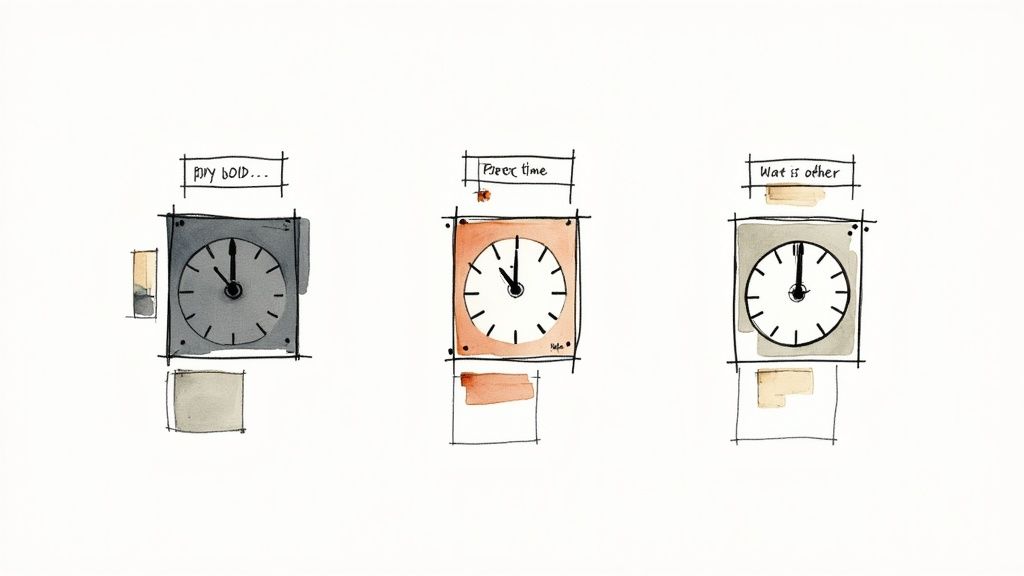
This is where you move past the generic, cookie-cutter timers and really start to harness the power of urgency marketing. A timer that looks like a seamless extension of your website or social media profile doesn't just count down—it builds trust. When you customize countdown clocks, you’re showing your audience that you’ve put real thought into their experience.
This small detail can transform a simple marketing tool into a professional, credible brand asset. The goal is to make it look like an integral part of your design, not some third-party widget you just dropped onto the page.
Matching Colors to Your Brand Palette
Color is one of the first things people notice. If the colors on your timer clash with your site, it creates a jarring experience that can subtly undermine the trust you're trying to build. A good countdown clock should feel completely at home with your brand’s look.
When you're customizing your timer, always start with your brand's color palette.
- Background Color: Match this to your website’s background, or use a contrasting brand color to make the timer pop without looking out of place.
- Digit and Label Colors: Make sure these have high contrast so they’re easy to read. Black on white is a classic for a reason, but using a dark brand color on a light background works just as well.
Imagine a tech company launching a new gadget. They might go for a sleek, dark-mode timer with sharp white or electric blue digits. That single design choice reinforces a modern, cutting-edge brand identity.
Choosing Fonts That Convey the Right Tone
Typography is about so much more than just displaying numbers; it communicates personality and sets the mood for your entire campaign. The font you choose should align with your brand’s voice and the specific feeling of the promotion.
Think about these scenarios:
- Holiday Promotion: A playful or elegant script font can add a touch of seasonal cheer, making the offer feel more special.
- Product Launch: A clean, bold, sans-serif font like Helvetica or Montserrat communicates professionalism, clarity, and confidence.
- Flash Sale: A thick, high-impact font can dial up the sense of urgency, making the "limited time" aspect feel much more dramatic.
Your font choice is a non-verbal cue that speaks volumes. A mismatched font can make your timer feel unprofessional, while the right one reinforces your brand message and makes the offer more compelling.
Elevating Design with Custom Backgrounds
While solid colors are always a safe bet, custom backgrounds are a fantastic way to elevate your timer's design and make it completely unique. Instead of a simple block of color, you can upload an image that adds context and visual flair.
Let's say you're promoting a Black Friday sale. You could use a subtle, dark-textured background with one of your products faintly visible, making the whole thing feel more sophisticated and integrated. For a webinar registration, a professional headshot of the speaker in the background adds a human touch and builds authority.
The possibilities are endless when you create a countdown clock with full customization in mind.
Dialing in Your Timer Settings for Real Urgency
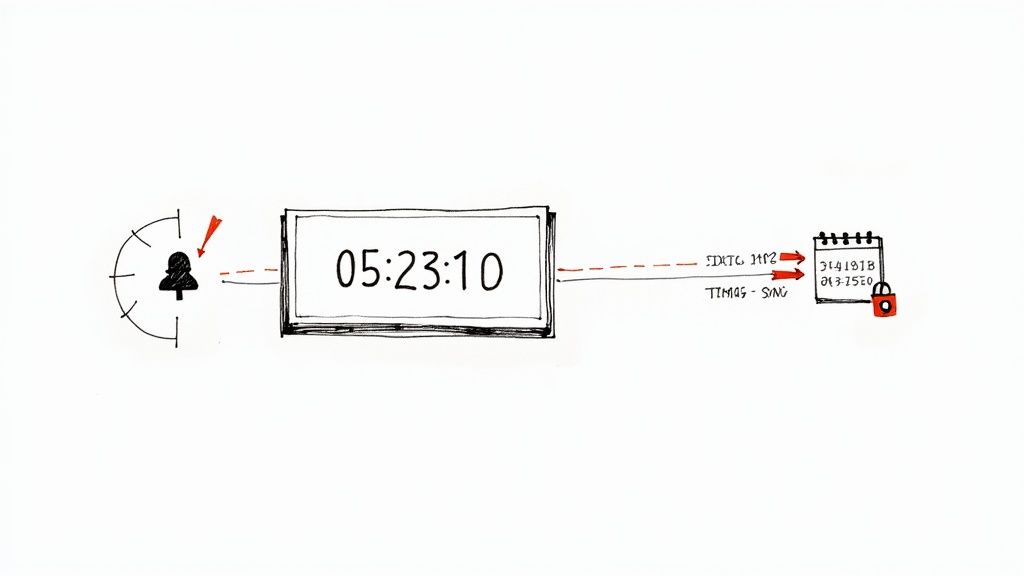
A slick-looking timer is great, but it's only half the story. If the settings behind the scenes aren't right, even the prettiest clock can feel fake and damage your credibility. Real urgency is built on trust, and that starts with getting your timer's mechanics locked in.
The bedrock of any trustworthy countdown is a fixed, specific end date and time. Vague deadlines just feel manipulative. A concrete endpoint—like "Sale ends Friday at 11:59 PM EST"—tells your customers this is a genuine, limited-time deal. That kind of clarity helps them make a confident choice without feeling like they're being tricked.
Why You Absolutely Need Server-Synced Timers
Ever hit refresh on a webpage only to see the countdown magically reset itself? It’s a classic sign of a cheap, browser-based timer, and it instantly kills any trust you've built. To create urgency that feels authentic, you need a server-synced timer.
A server-synced clock makes sure every single visitor sees the exact same time left, no matter their location, what device they're on, or when they loaded the page. This is the gold standard for keeping things honest.
- It’s Honest: The timer shows the real deadline, building your brand's credibility.
- It’s Consistent: Everyone gets the same experience, which prevents confusion and support tickets.
- It’s Reliable: The clock keeps ticking accurately, even if someone leaves your page and comes back later.
For flash sales, product launches, or event sign-ups where every second matters, this consistency is non-negotiable. If you want to dig deeper into this, you can explore some advanced strategies for creating urgency and scarcity that build on these core ideas.
Handling Time Zones for a Global Audience
If you're selling to people around the world, managing time zones is a must. The cleanest way to do this is to set one universal deadline and clearly state the time zone you're using (like PST or GMT). This cuts out any guesswork and gets everyone on the same page.
Countdown timers still work incredibly well, but only when they're authentic. When your clocks are tied to real deadlines, they can boost conversion rates by as much as 40%. But their power vanishes the moment you use them to create fake urgency—savvy shoppers have learned to spot and ignore those tricks.
Pro Tip: When you customize countdown clocks for a global sale, always spell out the end time in your ad copy. A simple line like, "Offer ends at midnight Eastern Standard Time," can save you from a flood of customer frustration and support emails from different corners of the world.
Alright, you've designed the perfect timer and dialed in the settings to create that genuine sense of urgency. Now for the fun part: putting it to work. After all, a killer countdown clock doesn’t do much good if nobody sees it. Getting it in front of your audience across all your channels is how you turn that design effort into actual sales.
The good news is that sharing your creation couldn't be easier. The Countdown Timer App gives you a simple piece of code or a shareable link that works just about anywhere. This means you can keep that branded, urgent feeling consistent on your website, in your emails, and all over social media.
Embedding on Your Website
Think of your website as your digital storefront—it’s the most logical place for a countdown clock to live. Whether you're hyping up a flash sale or a new product launch, placing the timer somewhere people can't miss it is crucial. It’s a powerful nudge, especially when you consider that 85% of consumers admit to making impulse buys when a sale is about to end.
Embedding is usually just a quick copy-and-paste job.
- For Shopify or WordPress: You’ll get an HTML snippet you can pop into a custom HTML block on your homepage, product pages, or even your announcement bar. For maximum effect, try placing it right next to your call-to-action button.
- For Landing Pages: If you use a landing page builder like Leadpages or Instapage, they almost always support custom HTML. This lets you seamlessly drop the timer right into your campaign pages.
This approach makes the timer feel like a natural part of your site, which builds trust and keeps the user experience super smooth. If you want to see what this looks like in practice, check out this example of how to embed a Black Friday countdown clock.
Integrating into Email Campaigns
Email is still a powerhouse for time-sensitive offers. When you create a countdown for an email campaign, it's typically embedded as an animated GIF. This is a neat trick that ensures it works flawlessly in just about every email client out there, from Klaviyo to Mailchimp, with zero compatibility headaches.
Here’s how simple it is:
- Grab the unique image URL for your timer from the app.
- In your email editor, add an image block right where you want the timer to appear.
- Instead of uploading a file, just paste in the URL you copied.
Just like that, your timer appears in the email, actively counting down from the moment a subscriber opens it. This little bit of dynamic content can seriously boost click-through rates by creating a powerful, "act now" feeling right in their inbox.
Placing a live countdown directly in an email transforms a static message into an interactive, time-sensitive event. It visually communicates that the opportunity is fleeting, encouraging immediate action far more effectively than plain text ever could.
Sharing on Social Media
Social media platforms like Facebook don't let you embed live, ticking timers directly into posts. But don't worry, the Countdown Timer App has a clever workaround. It generates a dedicated webpage for your clock, which you can share with a simple link. When someone clicks your post, they land on a clean, focused page that does one thing: displays your branded timer.
This method is perfect for building hype around things like:
- Product Drops: Tease an upcoming release and direct everyone to the countdown page.
- Live Events: Give your audience a clear reminder of when your webinar or live stream kicks off.
- Limited-Time Offers: Announce a flash sale and send followers straight to the ticking clock.
This strategy keeps your social feed looking clean while still giving your audience a dynamic and engaging way to track your promotion.
Advanced Strategies and Common Mistakes to Avoid
Once you've got the basics down on how to customize countdown clocks, it's time to dig into the more advanced tactics that really separate the good campaigns from the great ones. This is about more than just matching colors. It's about psychology—shaping the entire timer experience to fit the specific goal of your promotion.
This is where you can genuinely influence user behavior and see a serious lift in conversions.
Think about it: a high-urgency flash sale needs a completely different vibe than an evergreen webinar registration. For the sale, you'll want bold, high-contrast colors and a thick, punchy font that screams "act now!" But for the webinar? A more subtle, integrated design that complements the page without being distracting will almost always perform better. The trick is to match the timer's intensity to the offer's intensity.
Fine-Tuning Your Design for Different Use Cases
Not all countdowns are created equal, and your design should reflect that. Let's break down how to tweak your approach for a few common scenarios.
- Product Launches: Build that pre-launch buzz with a sleek, professional timer. I've seen brands have great success using a custom background with a silhouette or a sneak peek of the product. It creates a sense of mystery and reinforces the exclusivity of the launch.
- Holiday Sales: This one's a no-brainer—embrace the theme! Use festive colors, seasonal fonts, or even a background image with holiday elements. This makes the promotion feel timely and taps into the excitement people are already feeling.
- Limited-Stock Alerts: When inventory is low, the timer needs to be the star of the show. A simple, clean design with bold, red numbers is brutally effective. It communicates scarcity without any extra fluff.
And the best part? You can deploy these custom timers across all your channels. This flow chart shows how a single timer can be shared on your website, in emails, and on social media to create a unified sense of urgency.
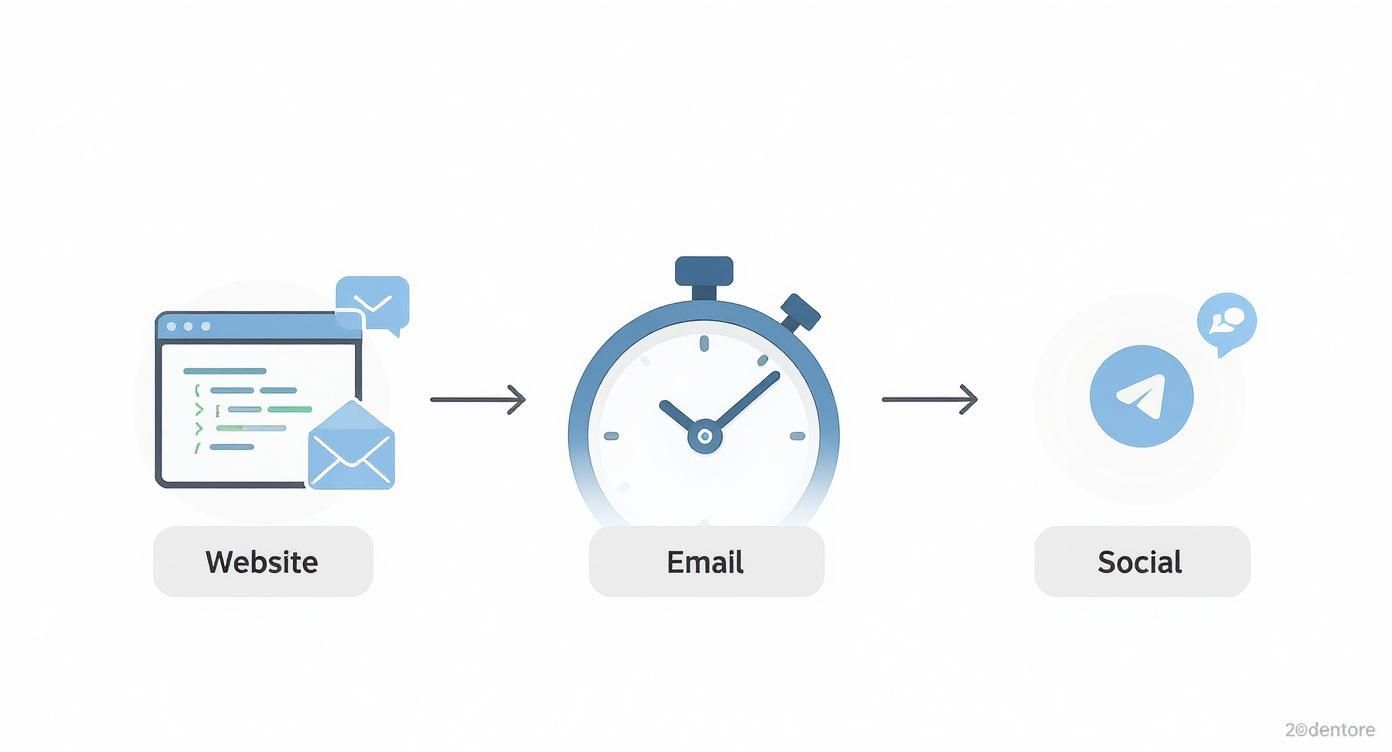
As you can see, one well-designed asset can follow your audience wherever they interact with your brand, keeping that urgency front and center.
Common Pitfalls and How to Sidestep Them
Even with the best intentions, it's easy to make mistakes that kill your timer's effectiveness or, even worse, damage your brand's credibility.
One of the biggest blunders I see is a poor mobile experience. If your timer is too big, hard to read, or breaks the layout on a smartphone, you’re alienating a huge chunk of your audience. Always, always preview your timer on a mobile device before you go live.
Another frequent error is creating "fake" urgency with a timer that magically resets every time someone visits the page. This is a surefire way to destroy customer trust.
Key Takeaway: Authenticity is everything. Only use countdowns for genuine deadlines. Your audience is smart, and they'll spot manipulative tactics a mile away. A broken promise of scarcity can do more harm than good in the long run.
By avoiding these traps and thinking strategically about your design, you can ensure your timer not only looks great but actually gets the job done. For a deeper dive into these kinds of branding details, check out branditok's blog for advanced branding strategies.
After all, a powerful timer is a key piece of the puzzle to convert visitors into customers.
Common Questions About Customizing Your Clocks
Even with the best tools, a few questions always pop up when you're getting into the nitty-gritty of customizing countdown clocks. I've been there. Let's walk through some of the most common ones I hear from marketers so you can sidestep any roadblocks and get your timers live, fast.
Think of this as your quick-start guide to building timers that not only look great but also work flawlessly.
Will My Custom Countdown Clock Work in All Email Clients?
Yes, it almost certainly will, and here's why. Modern countdown timers are generated as animated GIFs, which are then embedded into your emails with a simple image URL. It's a clever solution that has near-universal support across every major email provider you can think of—Gmail, Outlook, Apple Mail, you name it.
The animation just plays right inside the subscriber's inbox. No weird plugins, no broken code. This ensures your timer looks and works exactly as you designed it for every single person on your list, creating a smooth and engaging experience from the moment they open your email.
How Do I Handle Different Time Zones Accurately?
This is a big one, and the answer is simpler than you'd think. The most reliable way to handle this is to set a single, universal end time for your sale or event (say, midnight Eastern Standard Time) and state it clearly in your copy. The magic happens when you use a countdown app that is server-synced.
This is a critical feature.
A server-synced timer means the clock displays the exact same time remaining to everyone, no matter where they are in the world. You set one fixed endpoint, and the app handles all the tricky calculations behind the scenes. This guarantees the urgency you're building is consistent and fair for your entire audience, whether they're in London or Los Angeles.
A server-synced timer is non-negotiable for authentic urgency. It prevents that trust-breaking moment where a user refreshes their page only to see the clock reset—a dead giveaway that the deadline is fake.
Can I Edit a Timer After It Is Already Live?
Absolutely. This is honestly one of the biggest perks of using a dedicated app. Plans change, right? If you need to extend a sale by a few hours or you spotted a typo after launch, you can just pop back into your dashboard, make your adjustments, and hit save.
The timer embedded on your website and in your emails will update automatically to reflect the new end time or design. You don't have to re-embed any code or blast out a correction email. That kind of flexibility is a lifesaver for agile marketing where you need to react to how a campaign is performing on the fly.
Ready to create stunning, high-impact timers that drive real results? With the Countdown Timer App, you can design and deploy beautiful, fully branded countdown clocks for your website, email, and social media in just a few minutes. Start building your free countdown clock today and see how easy it is to boost your conversions.


