
12 Best Free Web Page Widgets to Boost Engagement in 2025
Discover the top 12 free web page widgets to enhance your site. Add countdowns, chats, social feeds, and more with this curated list for 2025.

In today's competitive online environment, a static website simply isn't enough to capture and retain audience attention. To drive action, foster engagement, and improve user experience, your site needs dynamic, interactive elements. This is where free web page widgets come in. These small, embeddable applications add powerful functionality, like countdown timers, social feeds, or live chat, without requiring deep coding knowledge or a significant budget. They effectively transform your site from a passive information source into an active, engaging platform.
This guide eliminates the guesswork by curating a definitive list of the best platforms for finding and creating free web page widgets. We've categorized each resource to help you quickly identify the perfect tool for your specific goals, whether it's boosting conversions, building a community, or streamlining customer support. For each entry, you will find a concise description, key features, and direct links to get started immediately. Our goal is to provide a straightforward, practical resource that helps you enhance your website's functionality and performance. We’ll show you exactly how to add these powerful tools to turn your static pages into a dynamic and interactive experience for your visitors.
1. Countdown Timer App
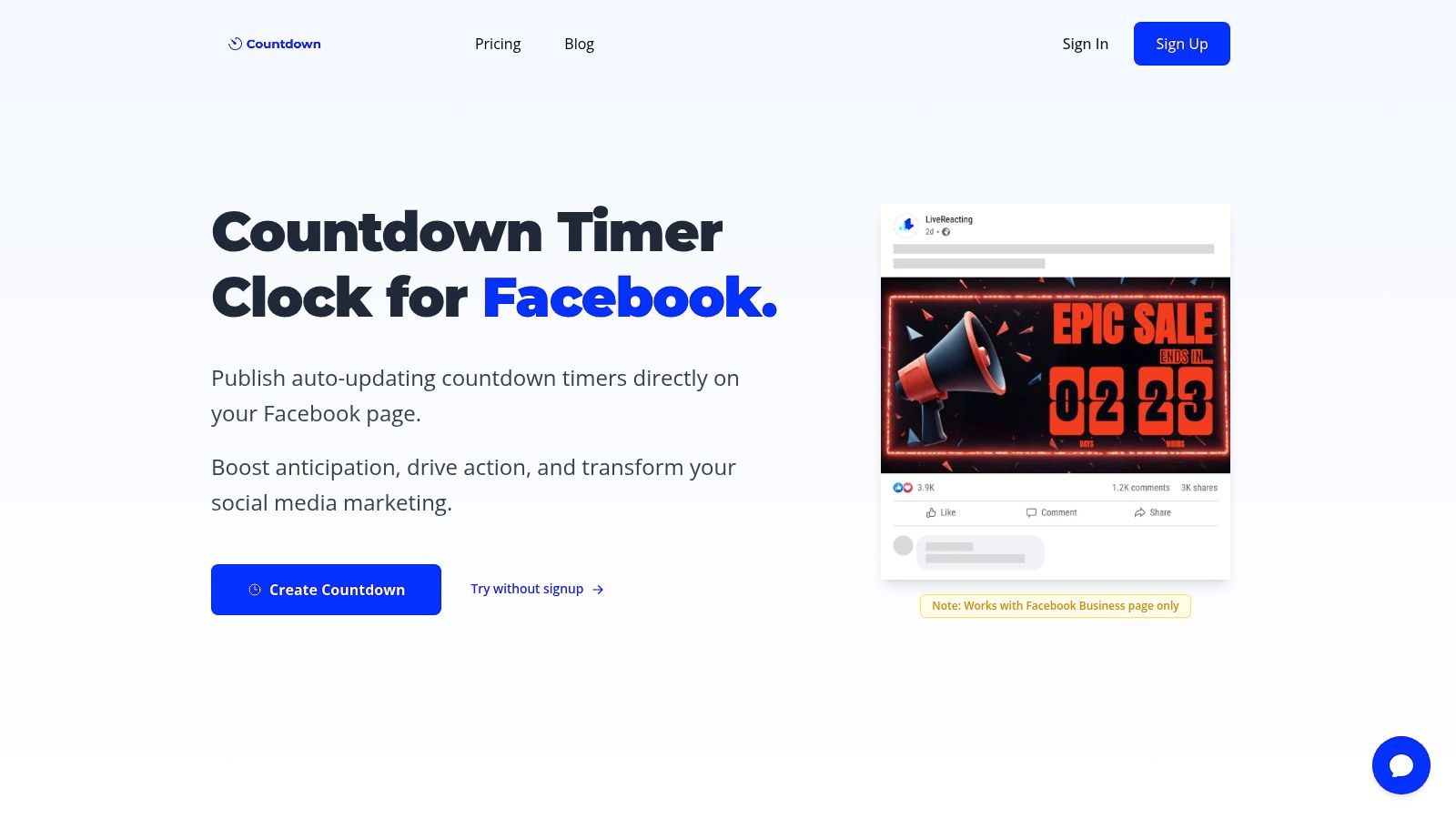
Countdown Timer App is a powerful and versatile tool designed for creating and deploying live, auto-updating countdown timers across multiple platforms. It excels by solving a common marketing challenge: keeping time-sensitive promotions current without constant manual intervention. This platform is a standout choice for anyone needing reliable and professional-looking free web page widgets to drive urgency and engagement.
The core strength lies in its server-side functionality. Once you publish a countdown, the app's servers automatically refresh the visual graphic at your chosen interval, from every five minutes to once a day. This "set-and-forget" approach ensures your audience on Facebook or your website always sees an accurate, up-to-date timer, making it an indispensable asset for dynamic campaigns.
Key Features & Use Cases
Countdown Timer App is particularly well-suited for social media managers, e-commerce brands, and event organizers. Its direct integration with Facebook Business pages allows for seamless publishing, sharing, and pinning of posts to maximize visibility.
Primary Use Cases:
- Limited-Time Offers: Build urgency for flash sales, Black Friday deals, or seasonal promotions.
- Product Launches: Generate excitement for new product drops or collection releases.
- Event Promotion: Count down to webinars, ticket sale deadlines, or live events.
- Community Engagement: Create anticipation for announcements or community challenges.
The user-friendly editor offers deep customization, allowing you to adjust fonts, colors, and backgrounds or add your own branding to maintain a consistent visual identity. A unique benefit is the ability to edit a timer after it has been published. You can change the end date, text, or design without deleting and reposting, saving valuable time and preserving post engagement. The platform also generates shareable web pages and embed codes, extending your countdown's reach beyond social media. To explore how to integrate these timers, you can find a step-by-step guide to adding a free countdown to your website.
Practical Considerations
While the free plan covers essential needs, advanced features like more frequent update intervals are part of premium tiers. It's important to note that the countdowns are designed for organic posts and cannot be used within Facebook ads. The minimum update interval is five minutes, which is sufficient for most use cases but not real-time per-second updates. For those needing a simple, one-off timer for a specific date, external options like Harbr's 'How Long Until' tool can also be a useful resource.
Visit Countdown Timer App to try the free plan.
2. Elfsight
Elfsight stands out for its sheer volume and variety, offering one of the largest catalogs of free web page widgets available from a single provider. With over 90 no-code applications, it serves as a one-stop shop for adding diverse functionality like social media feeds, customer reviews, forms, and chat boxes to your site. This extensive library is its primary advantage, allowing you to source multiple UX enhancements from one unified dashboard.
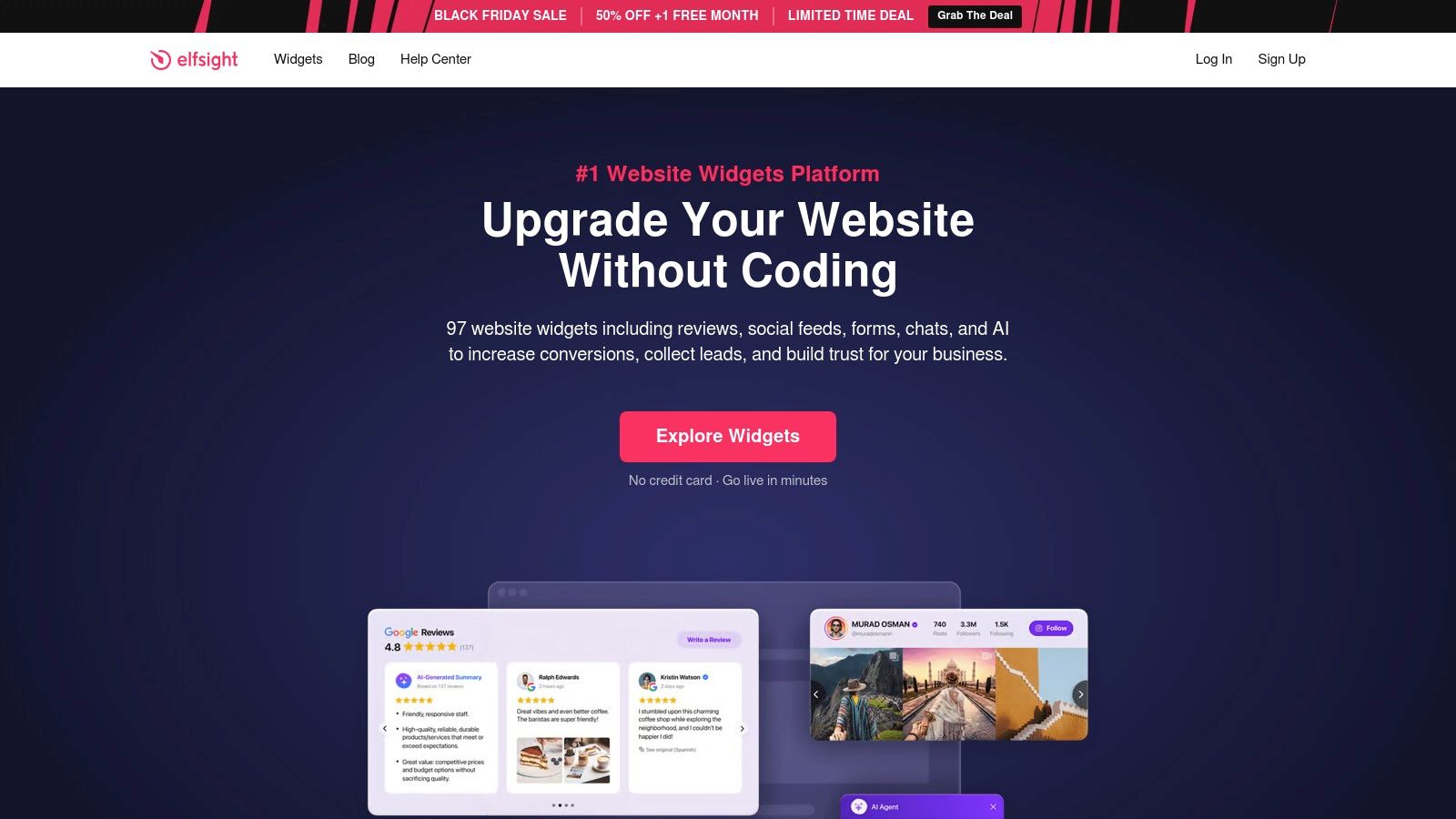
The platform is designed for simplicity. Users can select a widget, customize its appearance in a live visual editor without touching code, and then embed it on any website builder or CMS using a simple copy-paste HTML snippet.
Key Features & Limitations
- Widget Catalog: The library includes everything from an Instagram Feed and Google Reviews widget to advanced Form Builders and pricing tables.
- Ease of Use: A major pro is its smooth, intuitive setup process and responsive customer support, making it accessible for non-technical users.
- Free Plan Constraints: The free "Lite" plan is a great starting point but comes with significant limitations. It is restricted to just one widget, capped at 200 monthly views, and includes Elfsight branding. For high-traffic sites or those needing multiple widgets, a paid plan becomes necessary.
Best for: Users who need various types of widgets and prefer managing them all from a single, user-friendly platform.
Website: https://elfsight.com
3. Common Ninja
Common Ninja offers a massive, design-focused library of free web page widgets, boasting over 180 applications to enhance user experience. It excels at providing tools for content and marketing, such as comparison tables, advanced charts, and interactive timelines. The platform stands out for its deep customization options and seamless integration with specific website builders like Shopify, Webflow, Wix, and WordPress via dedicated apps.
This platform is ideal for users who want granular control over styling and need a wide variety of tools. The editing process is intuitive, allowing you to select from pre-made templates and skins for rapid deployment. Once customized, widgets can be embedded on any HTML site or platform-specific environment using a straightforward code snippet.
Key Features & Limitations
- Widget Catalog: An extensive collection of over 180 widgets, with strong offerings for data visualization, social proof, and content structuring.
- Design Flexibility: A key pro is the powerful no-code editor that provides deep styling control, along with templates and skins for quick setup.
- Free Plan Constraints: The free plan is quite restrictive, with tight limits on monthly page views and the number of widget instances you can use. Some widgets also have unique pricing models, making it essential to review the specifics before committing.
Best for: Developers and designers who need a wide array of highly customizable widgets and appreciate fine-grained instance-based pricing.
Website: https://commonninja.com
4. POWR
POWR provides a robust suite of over 60 free web page widgets, positioning itself as a powerful tool for small businesses focused on lead generation and e-commerce. Its diverse catalog includes everything from pop-up forms and social media feeds to pricing tables and e-commerce tools like PayPal buttons. The platform's strength lies in its wide compatibility, offering dedicated guides and plugins for Shopify, Wix, WordPress, and nearly any HTML-based site.
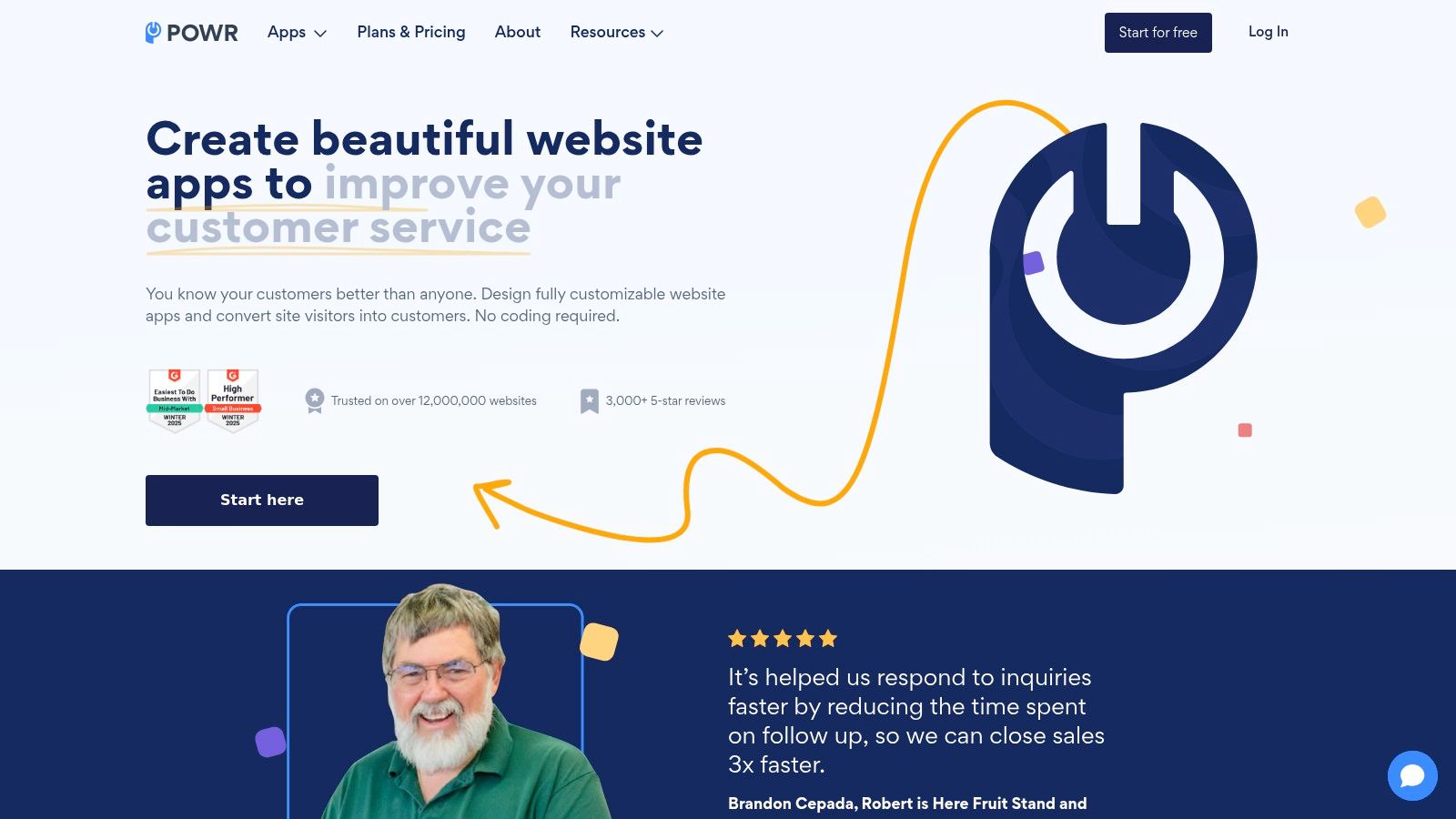
The widget creation process is straightforward, centered around a What You See Is What You Get (WYSIWYG) editor. This allows users to build and customize apps visually, then deploy them with a simple embed code, making it accessible even for those with no technical background.
Key Features & Limitations
- Widget Catalog: Features a mature library of 60+ apps, including Form Builder, Popup, Social Feed, and various e-commerce solutions.
- Broad Compatibility: A major pro is its seamless integration with numerous platforms, offering platform-specific installation guides that simplify setup.
- Free Plan Constraints: The free plan is limited to one published instance per app, includes prominent POWR branding, and has a low pageview cap. Advanced features and integrations are reserved for paid tiers, which scale based on monthly pageviews.
Best for: Small to medium businesses needing reliable lead generation or e-commerce widgets that work across multiple website platforms.
Website: https://powr.io
5. ShareThis
ShareThis has long been a go-to provider for one of the most essential free web page widgets: social sharing buttons. It offers a straightforward, no-cost way to encourage visitors to distribute your content across their networks. The platform specializes in customizable social tools, including inline share buttons, sticky sidebars, and even buttons that appear over images and videos, making it easy to integrate sharing functionality exactly where you need it.
The setup process is simple: choose your button type, customize the design and social networks, and embed the provided HTML code. For WordPress users, a dedicated plugin simplifies installation even further, making it a highly accessible tool for bloggers, marketers, and small businesses looking to increase their social reach. This focus on easy social sharing can be a key part of boosting engagement; you can learn more about how to improve Facebook engagement through strategic content promotion.
Key Features & Limitations
- Widget Types: Provides versatile inline, sticky, and image/video share buttons, along with follow buttons, covering all major social sharing use cases.
- Smart Share: A key pro is its ability to automatically display the most relevant social networks based on a visitor's region and sharing habits.
- Performance & Analytics: A potential con for performance-focused sites is the reliance on external scripts. The included analytics are also more basic compared to comprehensive paid marketing suites, offering simple share counts and trends.
Best for: Website owners and bloggers who need a simple, reliable, and completely free solution for adding social sharing buttons to their content.
Website: https://sharethis.com
6. AddToAny
AddToAny is the universal sharing platform, offering one of the most lightweight and straightforward free web page widgets for social sharing. It excels at one thing: providing fast, customizable share and follow buttons that can be added to any website without an account, monthly fees, or complex dashboards. Its primary advantage is its simplicity and commitment to being a completely free, no-strings-attached tool.
The platform operates via a simple code generator. You select your services, customize the icon size and style, and choose between standard or floating share bars. Once configured, you copy the HTML code and paste it into your site. It also provides official plugins for popular CMS platforms like WordPress, simplifying installation even further for those users.
Key Features & Limitations
- Completely Free: A major pro is that the service is 100% free with no hidden costs, accounts, or premium tiers. It is supported by collective partners.
- Lightweight & Fast: The scripts are optimized for speed, using scalable SVG icons to ensure your page load times are not impacted.
- Plugin Limitations: A potential con is that while official plugins for WordPress and Drupal exist, they can sometimes conflict with specific themes or other plugins, requiring troubleshooting. It also lacks a hosted dashboard for advanced analytics beyond what you can track in Google Analytics.
Best for: Website owners who need a simple, fast, and completely free solution for adding social share buttons.
Website: https://www.addtoany.com
7. tawk.to
tawk.to has carved out a unique space by offering one of the most robust and genuinely free web page widgets for live chat on the market. Unlike competitors that gatekeep core features, tawk.to provides a full-featured live chat, ticketing system, and hosted knowledge base at no cost. It’s an exceptional solution for businesses needing to provide real-time customer support without a budget.
The platform supports unlimited agents, websites, and chat history on its free plan, a rarity in the industry. Implementation is straightforward with a simple embed code and numerous integrations for popular CMS platforms like WordPress, Shopify, and Joomla, making it accessible to nearly any website owner.
Key Features & Limitations
- Generous Free Plan: The core product is completely free and includes unlimited agents, chat volume, and history, along with ticketing and a knowledge base.
- Easy Integration: A major pro is its quick setup process and broad compatibility with most website builders and content management systems.
- Branding & Add-ons: The free widget displays “Powered by tawk.to” branding, which can be removed for a monthly fee. Optional paid add-ons like AI Assist and Video + Voice calls are also available for teams that need to scale their capabilities.
Best for: Small to medium-sized businesses and startups that need a powerful, cost-free live chat solution to engage with website visitors.
Website: https://www.tawk.to
8. Crisp
Crisp provides a modern, polished live chat widget that serves as an excellent entry point into customer communication. It positions itself as an all-in-one platform, but its free offering focuses on providing a high-quality, real-time chat experience. The standout feature of its free plan is the inclusion of a shared inbox for two users and mobile apps, allowing small teams to manage customer conversations from anywhere.
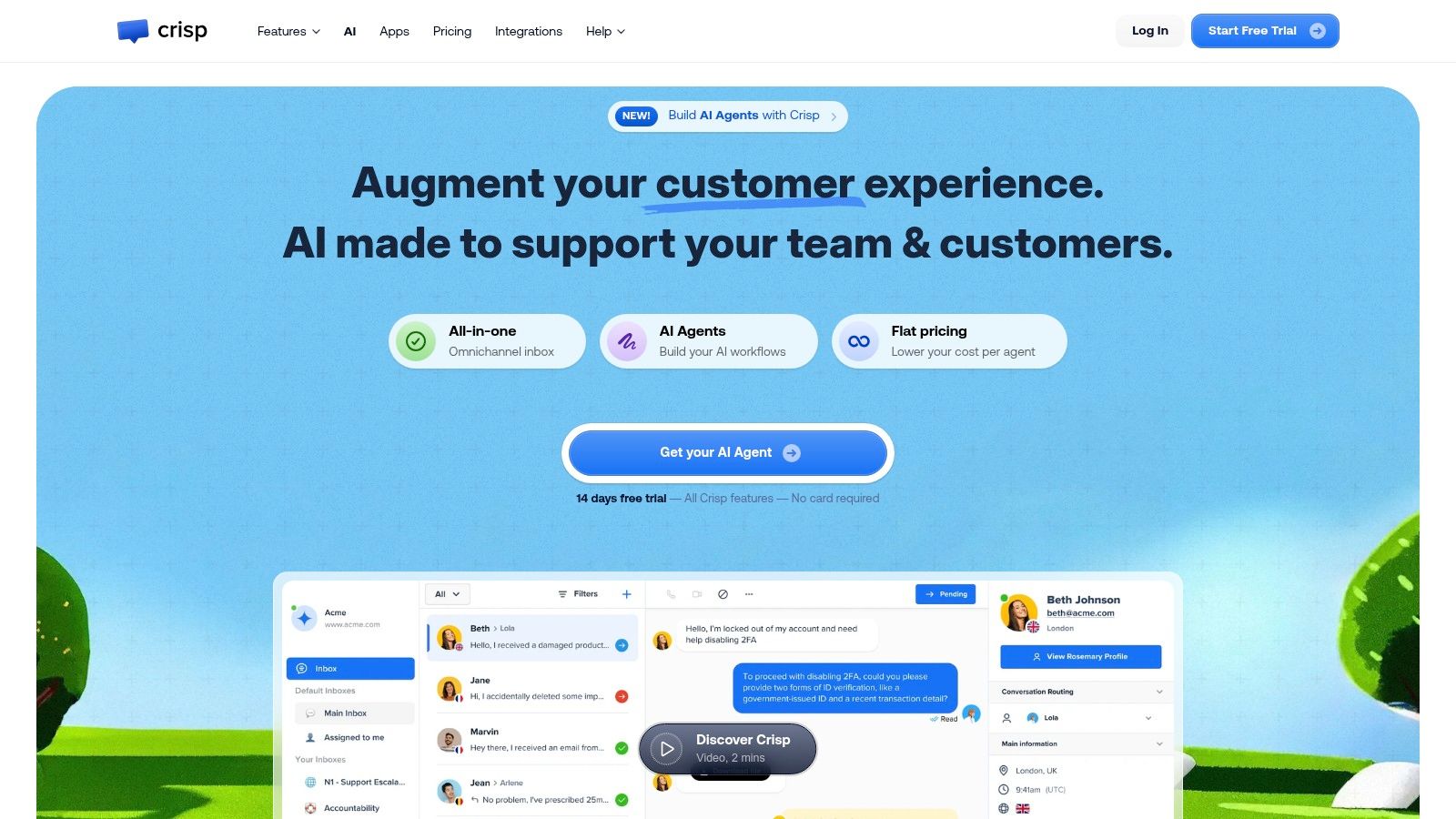
Unlike many basic chat tools, Crisp’s free web page widgets feel professional and are designed for a smooth user experience on both desktop and mobile. Installation is straightforward, involving a simple JavaScript snippet that can be added to any website.
Key Features & Limitations
- Free Plan Inclusions: The free tier provides a live chat widget, a team inbox for two agents, and access to mobile apps (iOS and Android) to manage conversations on the go.
- Clean User Interface: Crisp is known for its clean, intuitive UI and reliable performance, which enhances the experience for both the support agent and the end-user.
- Upgrade Path: While the free plan is great for basic chat, advanced features like chatbots, automated campaigns, and integrations with platforms like Slack or Zapier are reserved for paid tiers. The free plan also includes Crisp branding.
Best for: Startups and small businesses needing a professional, free live chat solution with a clear upgrade path to a full customer support suite.
Website: https://crisp.chat
9. Calendly (Embed)
Calendly eliminates the friction of scheduling meetings by providing one of the most effective free web page widgets for appointment booking. Instead of back-and-forth emails, you can embed a scheduling calendar directly onto your site, allowing visitors to view your availability and book a time slot instantly. This direct integration streamlines the user journey, capturing leads and appointments the moment they are most engaged.
The platform offers several embed options, including an inline calendar that sits within your page content, a floating popup widget, or a simple text link that triggers the booking interface. Implementation is a simple copy-paste of an HTML snippet, making it accessible for everyone. Beyond just embedding Calendly, if you're exploring broader solutions, you might find valuable insights in a guide to a website builder with a booking system.
Key Features & Limitations
- Embed Variety: Choose from inline, popup widget, or popup text formats to best suit your website's layout and user experience goals.
- Generous Free Plan: The free tier is fully functional for a single user, allowing one event type and unlimited bookings, which is often sufficient for freelancers and small businesses.
- Paid Plan for Customization: The free widget includes Calendly branding. Removing it and unlocking advanced features like group events or customized automated workflows requires a paid subscription. This can also be a valuable tool to boost attendance for scheduled events.
Best for: Service-based businesses, consultants, and sales teams who want to automate appointment scheduling directly from their website.
Website: https://calendly.com/integration/embed
10. EmbedSocial
EmbedSocial specializes in harnessing the power of social proof, offering a suite of free web page widgets designed to display user-generated content (UGC) and customer reviews. The platform excels at aggregating content from various social networks like Instagram, TikTok, and Facebook, as well as review sites like Google, and turning it into elegant, embeddable galleries. Its unique value lies in combining UGC curation with powerful commerce features, such as shoppable tags in social media feeds.
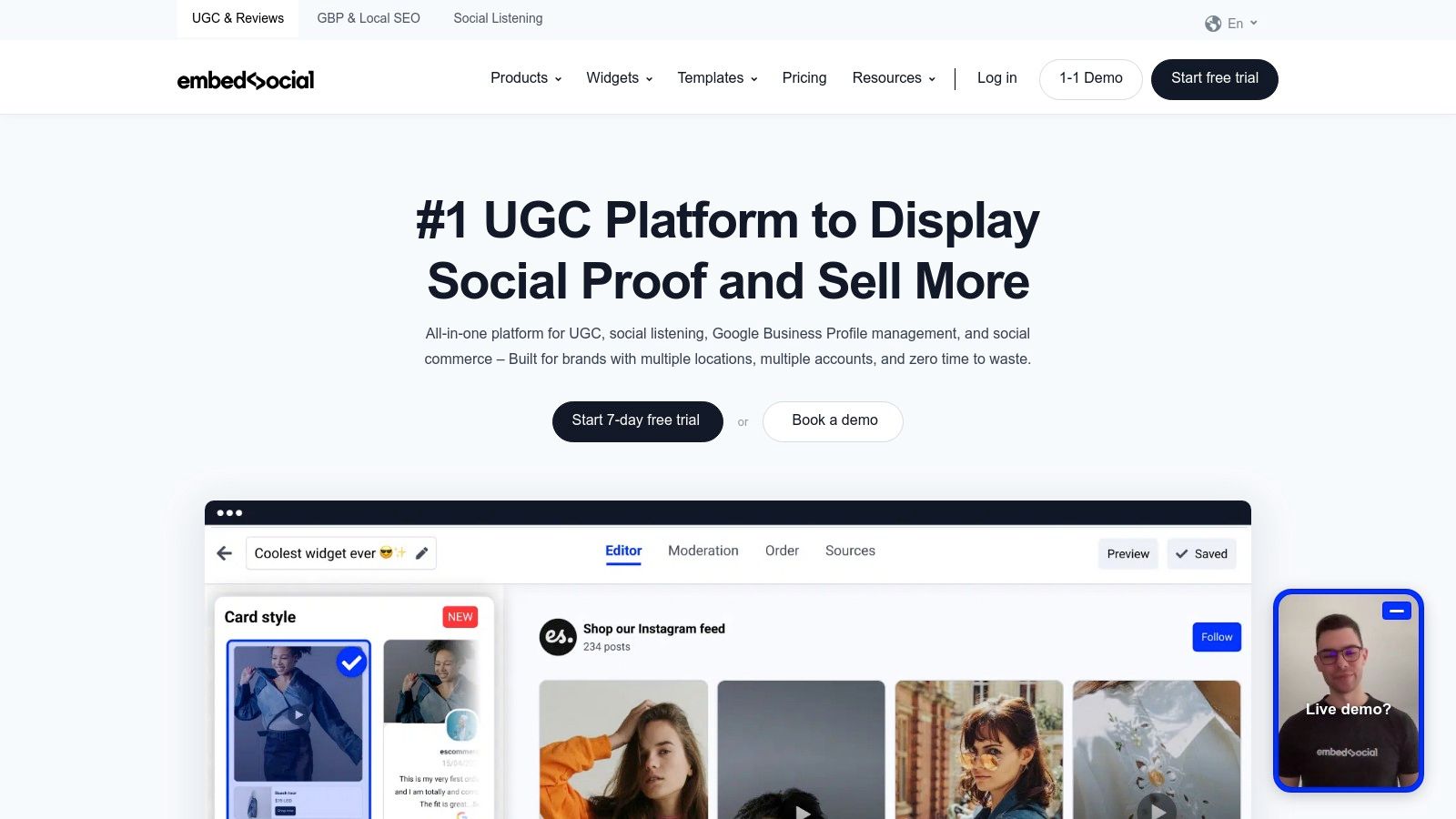
The platform enables users to collect, moderate, and display social proof to build trust and drive conversions. After connecting your sources, you can customize the layout and embed the widget onto any website with a simple HTML code, making it highly accessible for marketers and e-commerce store owners.
Key Features & Limitations
- Social Proof Aggregation: A major pro is its ability to pull in social media feeds and reviews from multiple platforms into one unified, customizable widget.
- Commerce Tools: EmbedSocial stands out with features like shoppable tags, allowing businesses to create interactive product galleries directly from their Instagram or TikTok feeds.
- Free Plan Constraints: The free version is quite limited, restricting you to one widget, one source, and a cap of 1,000 monthly views. Advanced moderation, analytics, and faster content refresh rates are reserved for paid tiers.
Best for: E-commerce brands and marketers who want to leverage social proof and user-generated content to increase conversions.
Website: https://embedsocial.com
11. Juicer
Juicer specializes in one thing and does it well: social media aggregation. It provides an easy way to pull content from over 15 platforms like Instagram, Facebook, and YouTube into a single, beautiful, and embeddable social wall. This makes it one of the best free web page widgets for showcasing user-generated content, consolidating brand posts, or creating a live social feed for an event. Its major selling point is allowing unlimited embeds, even on the free plan.
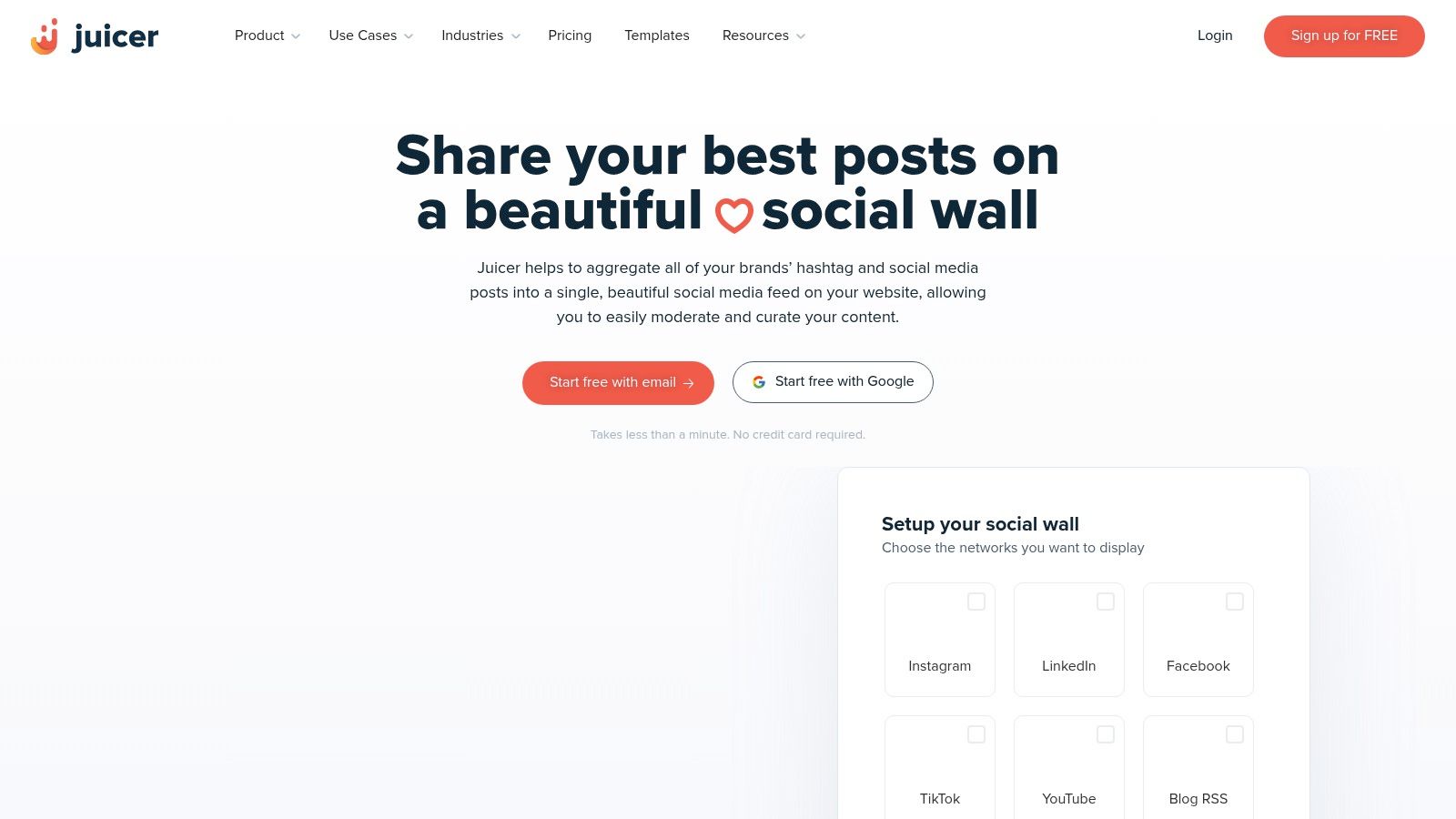
The platform is built for simplicity, offering stylish templates and customization through CSS for those who need it. You can moderate posts manually or automatically, ensuring only the best content appears on your site. The no-code setup involves connecting your social accounts and then copying the embed code to any website builder.
Key Features & Limitations
- Social Aggregation: Combines feeds from 15+ networks into one unified display, perfect for creating dynamic social proof.
- Unlimited Embeds: A key pro is the ability to embed your feed on unlimited websites, even with the free plan, which is rare for this type of service.
- Free Plan Constraints: The free version includes Juicer branding and has a 24-hour update frequency, meaning new posts won't appear instantly. Access to premium networks like LinkedIn or hashtag feeds requires a paid plan.
Best for: Businesses and event organizers looking to display a curated social media wall without needing instant updates.
Website: https://www.juicer.io
12. WordPress Plugin Directory
For users operating on the world's most popular CMS, the official WordPress Plugin Directory is the definitive source for free web page widgets. Rather than a single provider, it’s a massive, community-driven repository containing thousands of free and freemium plugins that add specific functionalities, from custom sidebars and social media feeds to advanced sliders and content blocks. Its primary advantage is seamless, native integration with the WordPress ecosystem.
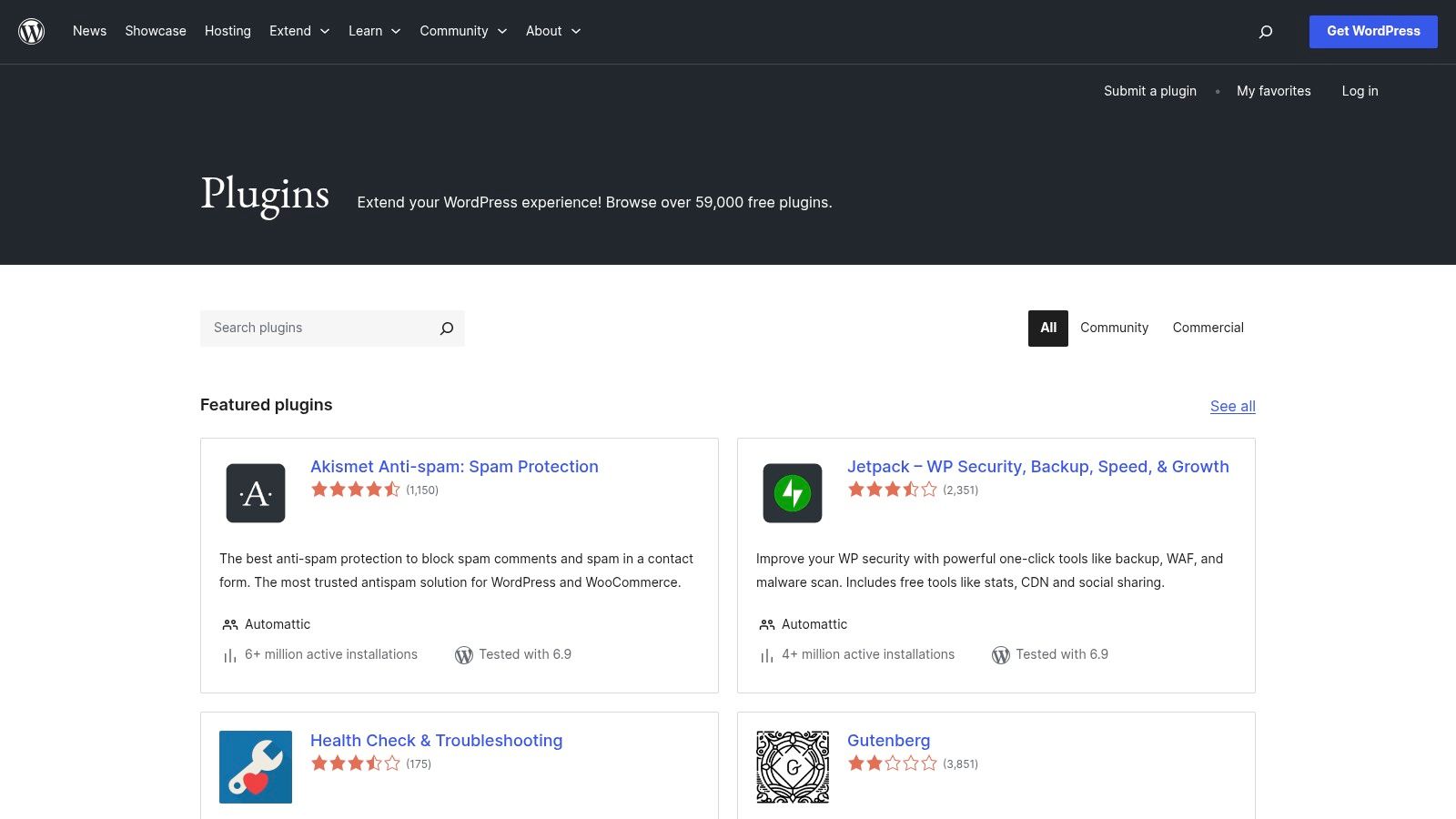
Users can search, evaluate, and install widgets directly from their WordPress admin dashboard with a single click. Community ratings, active installation counts, and last-updated dates help gauge a plugin's quality and reliability before you commit to installing it on your live site.
Key Features & Limitations
- Massive Selection: Offers an unparalleled variety of specialized widgets for almost any conceivable function, often available for free.
- Native Integration: Plugins are installed directly into your WordPress site, allowing for deep integration with your theme and other plugins without external scripts.
- Quality & Platform-Specific: The major limitation is that this resource is exclusively for WordPress sites. Additionally, plugin quality, support, and security can vary dramatically between developers, requiring careful vetting.
Best for: WordPress site owners who want a vast, free, and natively integrated solution for adding new widget functionalities.
Website: https://wordpress.org/plugins
Top 12 Free Web Page Widgets — Feature Comparison
| Product | Core features | UX / Quality (★) | Unique selling points (✨) | Target audience (👥) | Pricing / Value (💰) | |---|---|---:|---|---|---| | 🏆 Countdown Timer App | Auto-updating server-side FB + web countdowns; customizable templates; post-publish edits | ★★★★☆ reliable auto-refresh | ✨ Server-side auto-updates; post-publish editing; FB Business + embeddable web pages | 👥 Social managers, SMBs, e‑commerce, event organizers | 💰 Free plan; premium for advanced features & faster updates | | Elfsight | 90+ no-code widgets; visual editor; copy‑paste embeds | ★★★★☆ polished editor & broad support | ✨ Largest widget breadth under one account | 👥 Agencies, marketers, multi-site owners | 💰 Free limited; per-app / All Apps plans (views-based) | | Common Ninja | 180–200+ widgets; templates & skins; platform apps | ★★★★☆ very flexible styling | ✨ Huge widget library; instance-based pricing control | 👥 Designers, marketers needing many widgets | 💰 Free limited; paid per-instance tiers | | POWR | 60+ widgets; WYSIWYG editor; platform guides | ★★★☆☆ mature catalog; usage limits | ✨ Usage-based scaling for high-traffic sites | 👥 SMBs for lead gen & ecommerce | 💰 Free with branding; usage-based paid plans | | ShareThis | Inline/sticky/image share buttons; Smart Share; WP plugin | ★★★☆☆ simple & widely adopted | ✨ Regional Smart Share auto-selection | 👥 Publishers, blogs, content sites | 💰 Free; basic analytics | | AddToAny | Lightweight share/follow buttons; plugins; GA events | ★★★☆☆ ultra-lightweight & fast | ✨ 100% free, no account required | 👥 Devs, low-friction sites, privacy-minded users | 💰 Free | | tawk.to | Live chat + ticketing + hosted knowledge base; unlimited agents | ★★★★☆ full-featured free chat | ✨ Truly free unlimited agents/sites | 👥 Support teams, small businesses | 💰 Free; paid add-ons (branding removal, AI) | | Crisp | Chat widget, shared inbox, mobile apps/SDKs | ★★★★☆ clean UI; reliable | ✨ Polished UX with clear upgrade path to bots/campaigns | 👥 Startups, growing support teams | 💰 Generous free tier; paid tiers for bots/integrations | | Calendly (Embed) | Inline/popup scheduling embeds; iframe fallback | ★★★★☆ familiar, frictionless booking | ✨ Ubiquitous scheduling embeds for bookings | 👥 Consultants, sales, recruiters | 💰 Free basic; paid advanced features | | EmbedSocial | Social & review widgets; UGC curation & moderation; shoppable tags | ★★★★☆ commerce-focused social embeds | ✨ Shoppable UGC + moderation dashboard | 👥 Ecommerce teams, social & marketing teams | 💰 Free limited; paid for more sources/views | | Juicer | Aggregate multi-platform social feeds; templates; moderation | ★★★☆☆ simple curation; 24h refresh on free | ✨ Unlimited embeds even on free plan | 👥 Brands creating social walls | 💰 Free limited (branding/24h); paid for faster refresh | | WordPress Plugin Directory (Widgets) | Massive catalog of widget plugins; one-click WP install | ★★★☆☆ quality varies; large community | ✨ Biggest selection; direct WP install & ratings | 👥 WordPress site owners, developers | 💰 Mostly free/freemium; paid premium add-ons |
Start Building a More Dynamic Website Today
The journey through this extensive list of free web page widgets proves one crucial point: enhancing your website's functionality and user engagement is more accessible than ever. You no longer need a development team or a significant budget to integrate powerful features that drive conversions, build community, and provide outstanding customer support. From the all-in-one libraries offered by Elfsight and POWR to specialized tools like tawk.to for live chat and Calendly for seamless scheduling, the right solution for your specific goal is just a few clicks away.
The key takeaway is that strategic implementation matters more than the sheer number of widgets you add. A well-placed social feed from EmbedSocial can build trust, while a simple ShareThis button can exponentially increase your content's reach. The power lies in understanding your audience's needs and aligning your chosen tools with your business objectives.
How to Choose the Right Widgets for Your Site
Selecting the perfect widget can feel overwhelming, but you can simplify the process by focusing on a few key considerations. Before embedding any code, ask yourself these critical questions:
- What is my primary goal? Are you trying to increase sales, generate leads, improve customer support, or boost social proof? Define your objective first. For instance, if driving urgency for a flash sale is your priority, a countdown timer is non-negotiable. If you need to showcase user-generated content, a social media aggregator like Juicer is your best bet.
- How will this impact user experience? A great widget should feel like a natural, helpful part of your site, not an intrusive popup. Consider loading times and mobile responsiveness. Many of the tools listed here are optimized for performance, but it's always wise to test your page speed after implementation.
- What is the long-term cost? While all the widgets we've covered offer robust free plans, be mindful of their limitations. Consider your potential for growth. Will the free plan's features and usage caps suffice in six months? Planning ahead ensures you won't face unexpected subscription costs down the line.
Your Action Plan for a More Interactive Website
Armed with this curated list of free web page widgets, your next steps are clear. Start by identifying one or two key areas of your website that could benefit most from an interactive boost. Perhaps it's adding a live chat bubble to your pricing page or embedding a social proof widget on your homepage.
Don't be afraid to experiment. The beauty of these no-code solutions is their simplicity. You can install a widget, test its impact for a week, and easily remove it if it doesn't deliver the desired results. This iterative approach allows you to continuously refine your site's functionality, creating an ever-improving experience for your visitors that translates directly into better business outcomes.
When your goal is to build anticipation and drive immediate action for a sale, event, or product launch, a reliable timer is your most powerful tool. The Countdown Timer App is specifically designed for this purpose, offering server-side accuracy and direct Facebook Page integration that many generic widget suites lack. Start creating a sense of urgency and watch your engagement soar by trying the Countdown Timer App for free today.


