
Best Practices for Creating Visually Stunning Countdowns
Learn how to create visually stunning countdown timers that capture attention, build anticipation, and drive action for your events, sales, or product launches.
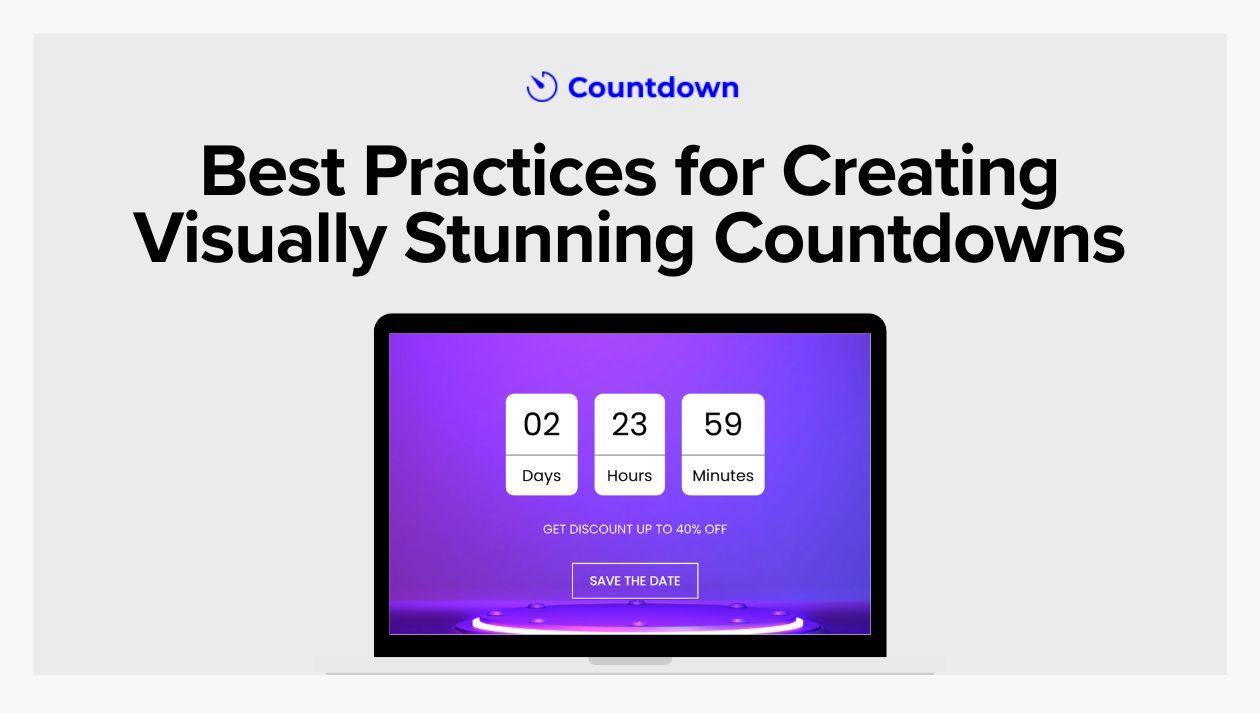
Countdown timers are a powerful tool for engaging audiences, whether you're gearing up for a product launch, running a sale, or promoting an event. But a countdown timer is more than just a ticking clock—it's a visual element that can capture attention, build anticipation, and drive action. Here's how you can create visually stunning countdowns that not only look great but also maximize engagement.
Key Factors for Creating a Successful Countdown
Creating a cool countdown for any event is about more than just watching the clock tick down. It's about making something fun and eye-catching that your audience will want to check out. It's important to know what your audience likes to see, and only then start creating a visually appealing countdown timer design.
Choose the Right Platform to Create a Countdown
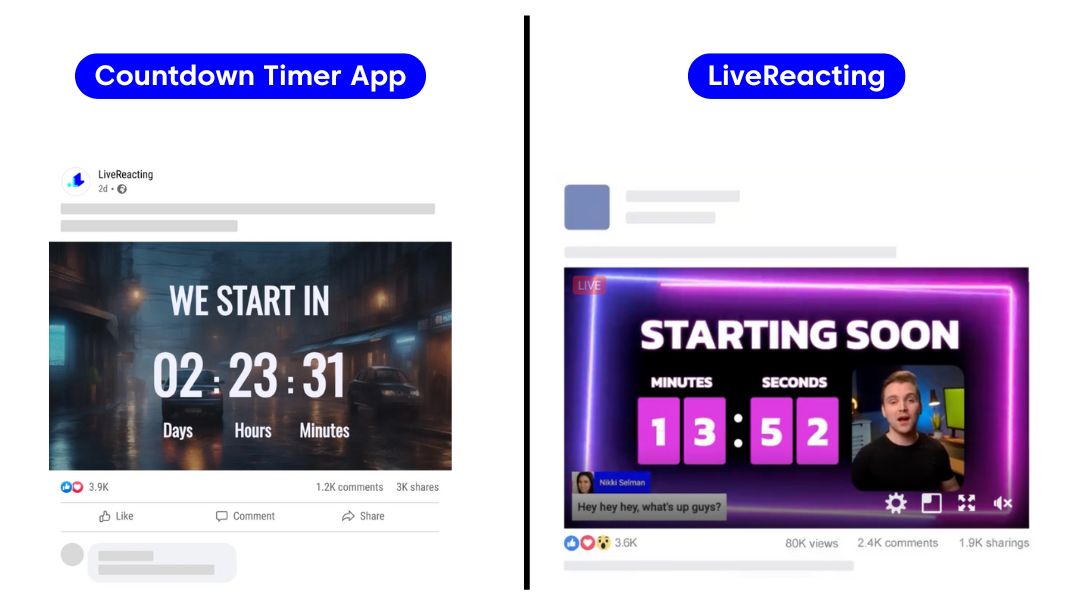
When it comes to choosing the right platform to create a countdown, two prominent options to consider are CountdownTimerApp and LiveReacting.
- CountdownTimerApp offers a user-friendly interface for embedding a customizable countdown timer on Facebook that auto-updates within the period you set. It is ideal for users looking to enhance event promotions, sales, or project deadlines with minimal complexity.
- LiveReacting, which provides a countdown timer for live streams, is perfect for content creators who want to engage viewers with real-time countdowns integrated directly into their live broadcasts.
While both platforms serve the purpose of creating countdowns, CountdownTimerApp focuses on static web integrations, whereas LiveReacting excels in dynamic, interactive live streaming environments.
Understand Your Audience
Before designing your countdown timer, it's crucial to understand your target audience. Consider their preferences, interests, and what type of visual aesthetics appeal to them. Are they drawn to minimalist designs, or do they favor something more dynamic and colorful? Setting a clear direction at this stage will help guide the design process.
Keep It Simple Yet Engaging
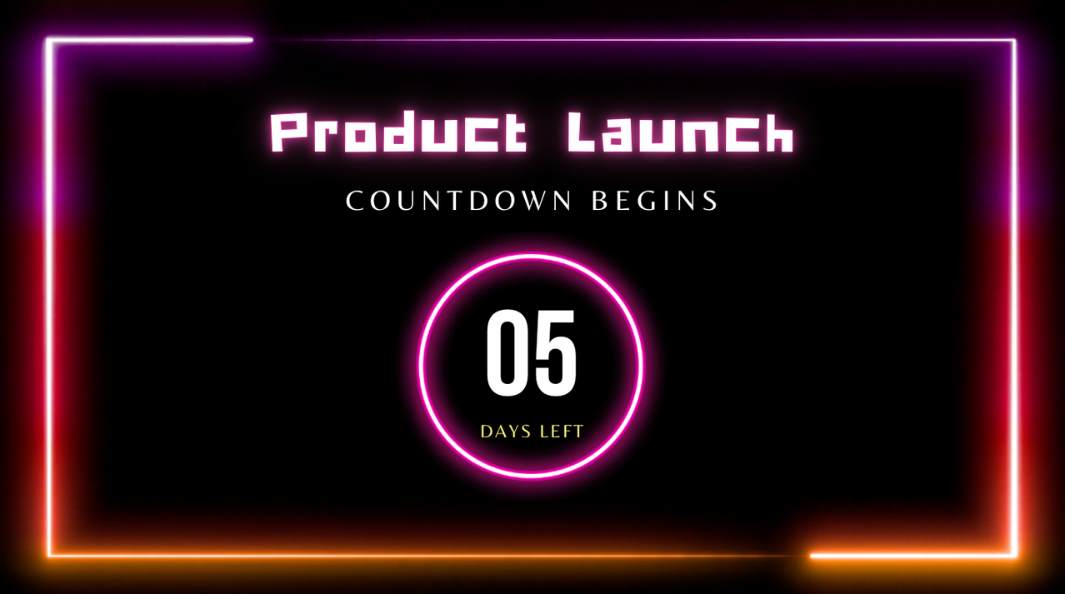
The primary purpose of a countdown is to convey a timeframe, so clarity should be at the forefront. Ensure that numbers are easily readable at a glance. Opt for clear, bold fonts that stand out against their background.
Don't clutter your countdown with unnecessary elements. A clean, minimal design helps focus attention on the countdown itself and the event it's announcing.
Choose Appropriate Colors
- Align with Brand Colors: Incorporate your brand's color palette into the countdown timer to maintain consistency and reinforce brand recognition. This also ensures the countdown feels like a natural part of your marketing materials.
- Use Contrast Wisely: Ensure that there's enough contrast between the numbers and their background to guarantee visibility. High contrast enhances readability and ensures the countdown is eye-catching.
- Evoke Emotion: Different colors evoke different emotions. For instance, red can convey urgency, while blue might suggest calm and trust. Consider what emotions you want to trigger and choose colors accordingly.
Incorporate Dynamic Elements
- Use Animation Sparingly: A bit of animation can bring your countdown to life. Subtle movements or transitions - like making numbers pulse or slightly bounce—can draw attention. However, be cautious; overuse of animation can be distracting. If you want to create a more dynamic or a live countdown, use LiveReacting for this purpose. For the static design that re-updates, use this countdown tutorial.

- Progress Trackers: Including a progress bar alongside the countdown can visually indicate how much time is left, providing an additional layer of engagement.
Optimize for All Devices
Ensure your countdown timer is responsive and looks great on all devices—desktop, tablet, and mobile. Resize and rearrange elements appropriately so that they retain clarity and impact, regardless of screen size.
Preview your countdown on multiple devices to check for consistency in appearance and functionality. This mitigates the risk of technical glitches when viewed by your audience.
Make It Interactive
- Countdown with Benefits: Encourage interactions by linking the countdown to exclusive offers or sneak peeks that become available as time winds down.
- Gamify Your Countdown: Add a gamified element by offering rewards to audiences who engage with the countdown or share it with their friends on social media, increasing its reach organically.
Keep the Message Clear
- Date and Time Precision: Clearly state the time zone and exact date of the event to avoid any confusion.
- Call to Action (CTA): Include a compelling CTA near the countdown. Whether it's "Learn More," "Sign Up Now," or "Shop the Deal," make sure it's direct and guides the user on what to do next.
Boxing Day Countdown Use Case
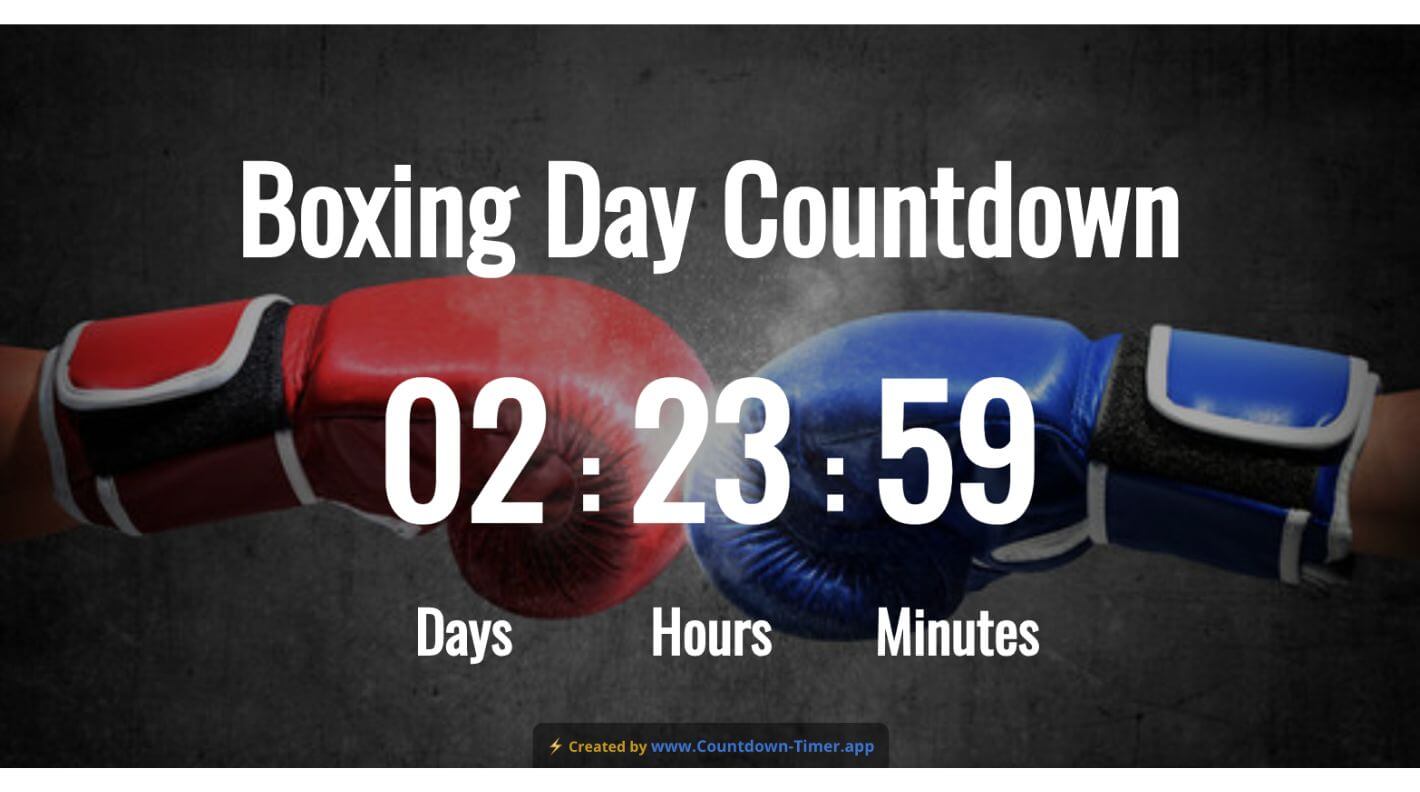
In this use case, we use a Boxing Day Countdown as an example to demonstrate the process of creating a visually appealing and engaging countdown on social media. Through this example, we explore strategic design choices, visual aesthetics, and audience engagement techniques that can be applied to tailor countdowns for a variety of events and promotions, ensuring alignment with brand goals and audience expectations.
Target Demographics
- Boxing enthusiasts and sports fans.
- Young adults (ages 18-40) who follow professional boxing.
- Subscribers to sports streaming services or members of boxing gyms.
Visual Preferences:
- Dynamic and energetic visuals that capture the excitement of boxing.
- Preference for bold, athletic imagery, including action shots or silhouettes of boxers.
- Gritty textures or backgrounds that convey the sport's intensity.
Design Principles:
- Clarity with bold fonts and clear typography to highlight the countdown.
- A design balance that maintains focus on both the countdown timer and event branding.
Color Strategy:
- Use colors that resonate with the sport, such as red, black, and gold, to convey strength and intensity.
- Ensure contrast between numbers and background for maximum readability.
- Consider color psychology to evoke excitement and anticipation.
Dynamic Elements:
- Include a progress tracker to build anticipation as the event approaches.
- Incorporate subtle animations like a boxing glove punching motion to draw attention to the countdown.
Accessibility:
- Follow accessibility guidelines with adequate font sizes and color contrasts.
- Ensure alternative text accompanies visual elements for screen reader compatibility.
Clear Communication:
- Clearly specify the date and time of the event, considering global time zones if relevant.
- Include a concise call to action, such as "Reserve Your Seat" or "Watch the Fight Live," to guide user action.
Conclusion
Creating a visually stunning countdown is about blending simplicity, brand consistency, and engagement-enhancing features. By understanding your audience, using appropriate colors, incorporating dynamic elements, and ensuring accessibility, you empower your countdown to captivate and inspire action. Whether you're gearing up for an exciting launch or running an enticing promotion, a well-crafted countdown timer can transform anticipation into a memorable experience. Now, it's time to design a countdown that stands out and drives success.


